
From passwords to passkeys: the MindYourPass approach to passwordless



Passkeys are often presented as the definitive replacement for passwords. And rightly so: they are user-friendly, phishing-resistant, and eliminate many common password risks. There is a good chance you have recently encountered the option to log in with a passkey, or have even used one without immediately recognizing the term.
Yet, a fully passwordless environment is not yet a reality for most organizations. Based on tens of thousands of daily logins, MindYourPass measures that passwords remain the most widely used authentication method. SSO is used for approximately 30% of applications, while the share of passkeys is currently below 5%.
Passkeys are gaining ground and offer opportunities for applications where SSO does not reach. However, it will be quite some time before all passwords are replaced. In the meantime, weak, reused, leaked, and phished passwords remain a major cause of cyberattacks and data breaches.
The question, therefore, is not just how to switch to passkeys, but primarily how to keep every login secure during that transition.
1. Gain insight into how employees log in
An effective passwordless strategy starts with insight. Which applications are being used? Where are people logging in with passwords, SSO, MFA, or passkeys? And where do the biggest risks lie?
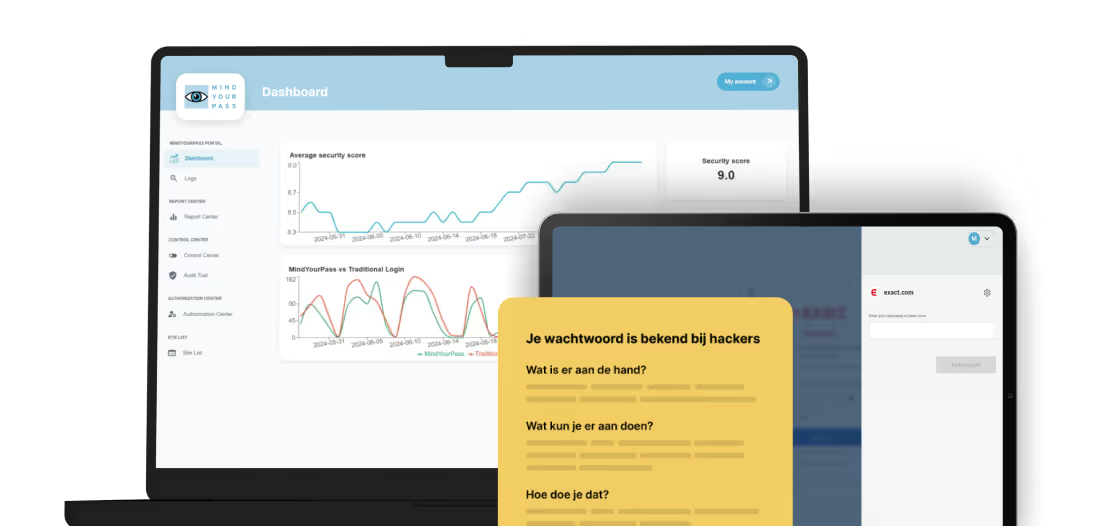
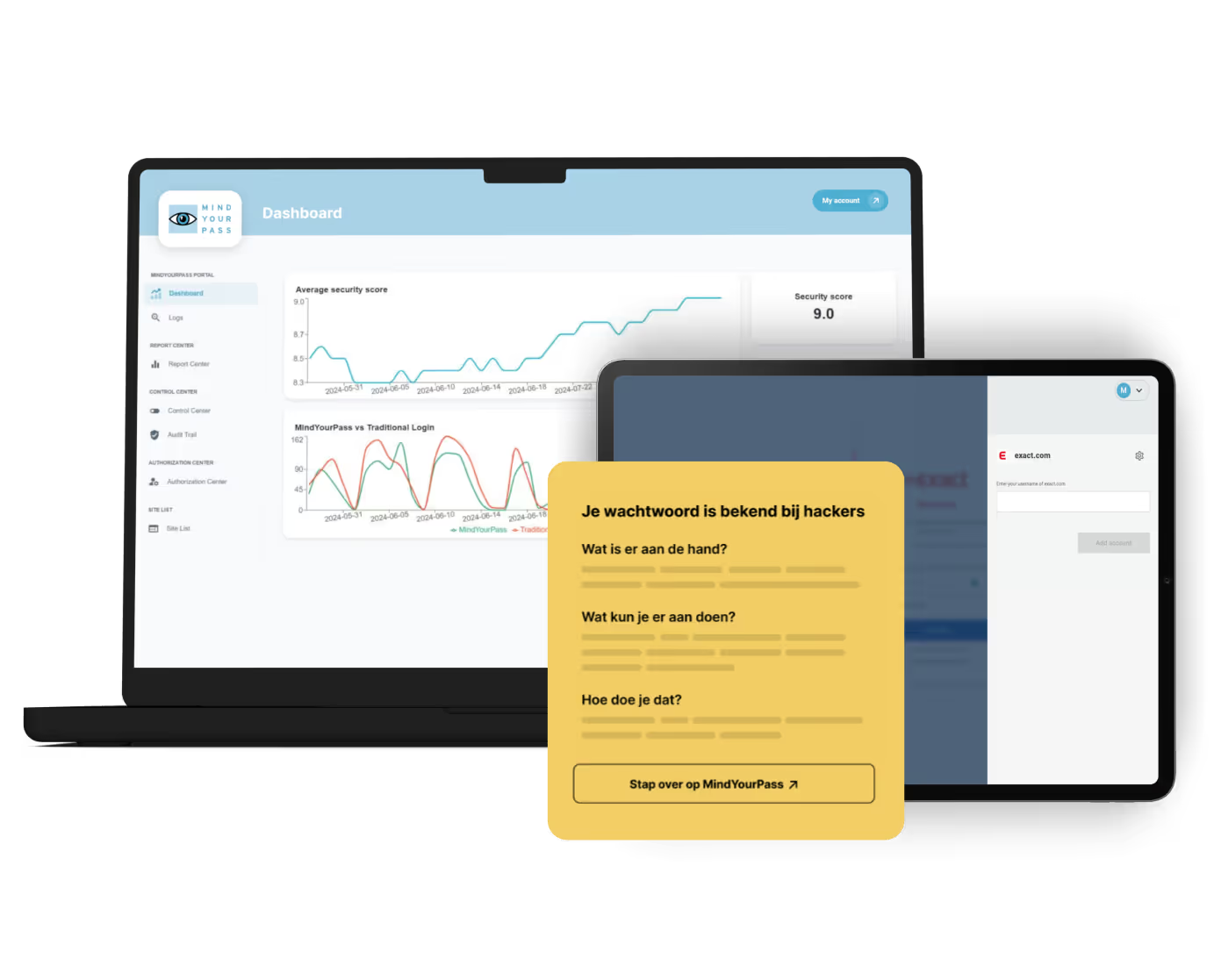
The MindYourPass platform provides organizations with real-time insight into the applications used, authentication methods, and password security. This creates a concrete roadmap: where can passkeys be implemented, where does SSO offer a solution, and where are passwords still unavoidable for the time being?
2. Make password logins phishing-proof too
Waiting until every application supports passkeys is not a strategy. The risks associated with passwords exist today.
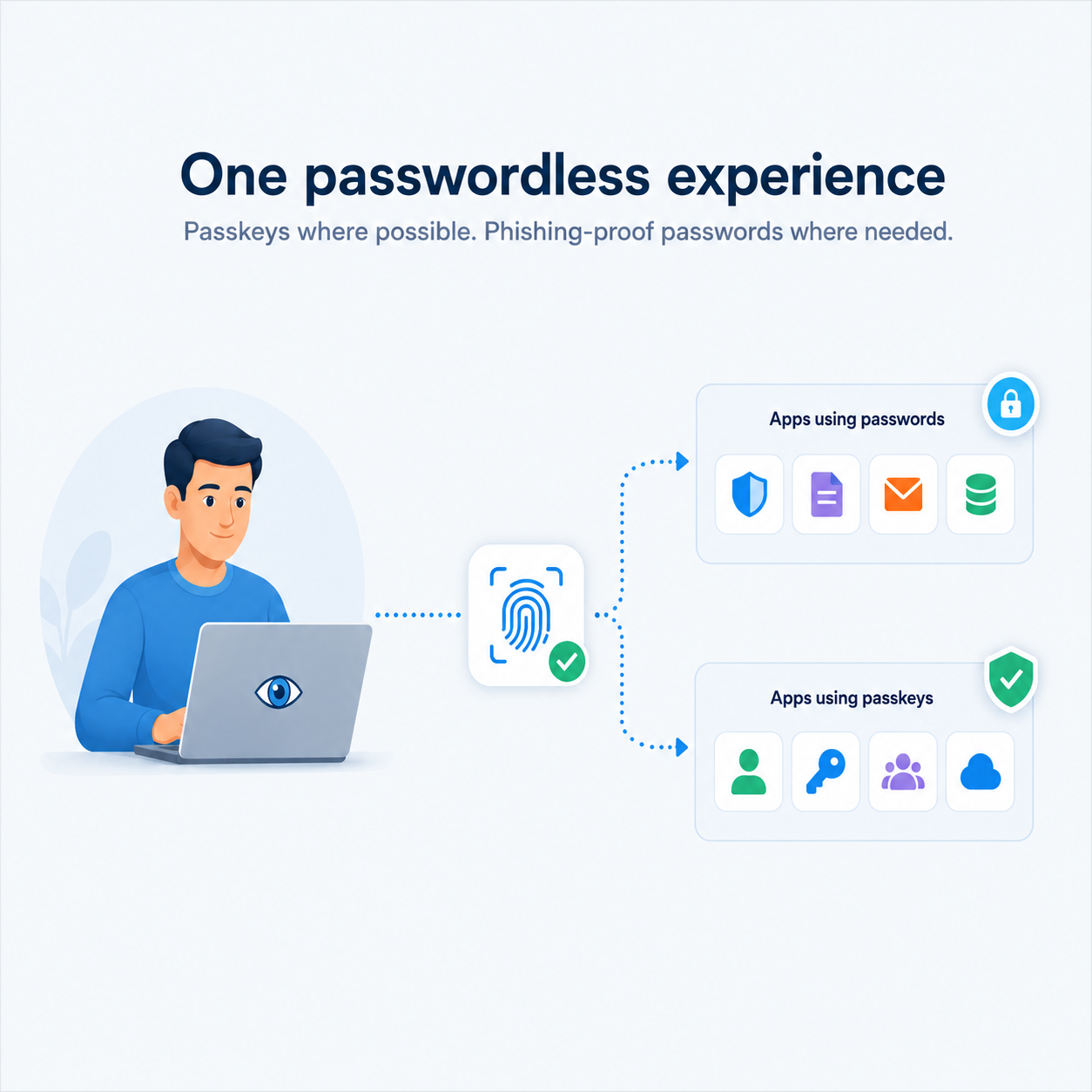
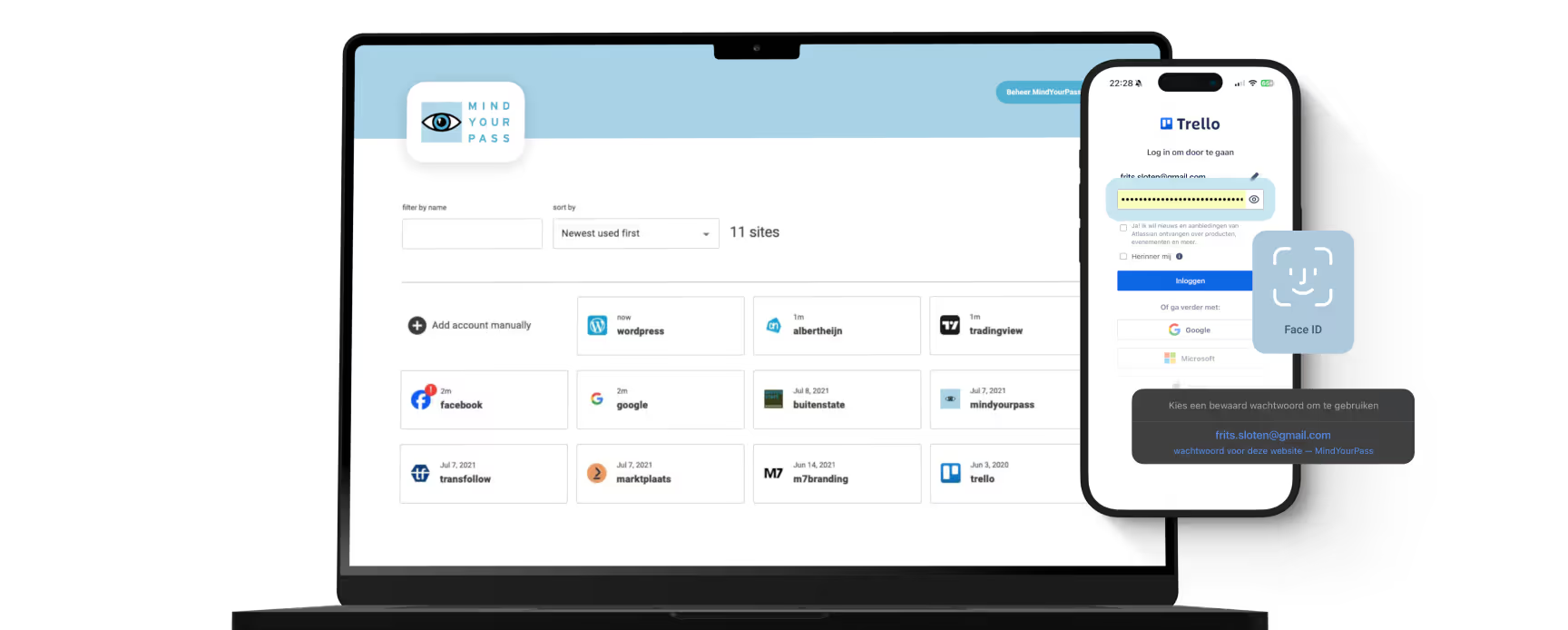
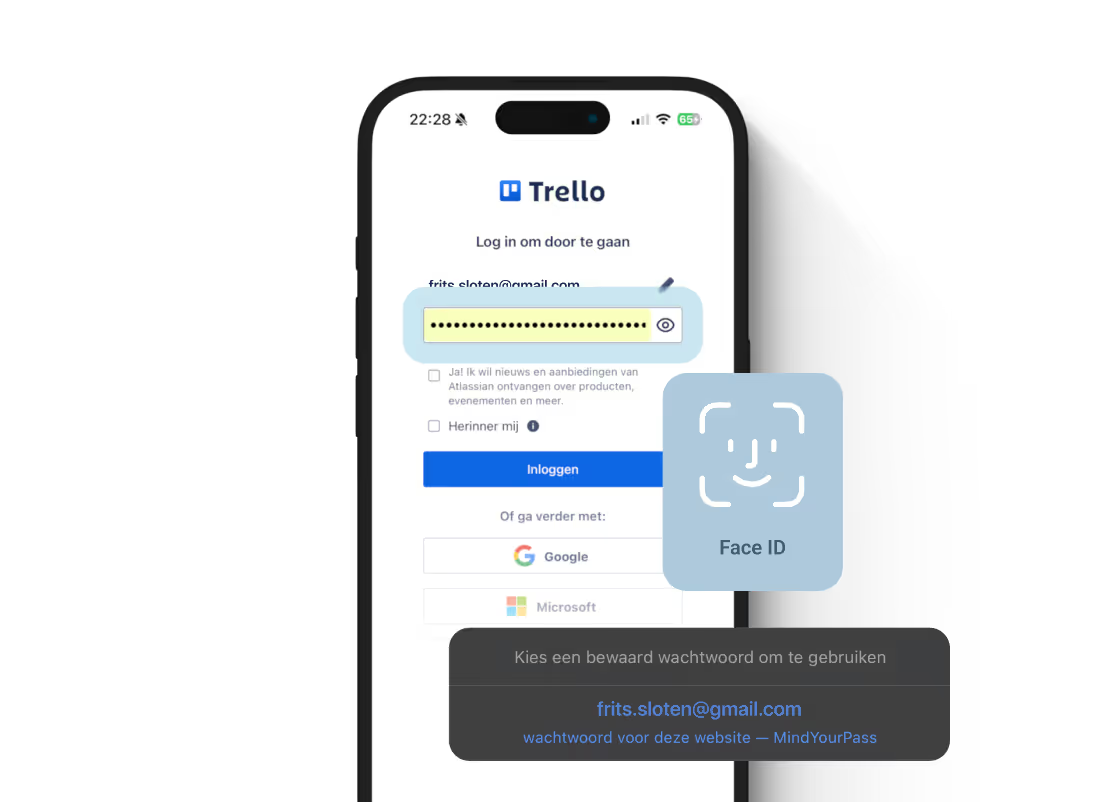
That is why MindYourPass also makes logins for applications that still rely on passwords as secure and simple as possible. Strong, unique passwords are automatically generated, secured, and filled in. The employee confirms the login with biometrics, for example via Windows Hello.
This way, the user does not need to know, remember, or enter the password themselves. Technically, the application still uses a password, but the employee experiences a simple, passwordless login.
3. Replace passwords with passkeys step-by-step
Where passkeys are available, organizations can replace passwords in a targeted manner. Application by application, based on risk, technical capabilities, and user impact.
MindYourPass supports secure passwords and passkeys within the same solution. This keeps the user experience consistent: employees log in easily with biometric verification, regardless of whether a passkey or a secured password is being used behind the scenes.
One strategy for today and tomorrow
MindYourPass does not believe in a choice between passwords or passkeys. It is about bridging the gap from passwords to passwordless.
The MindYourPass platform supports this complete transition. Organizations gain real-time insight and control over how employees log in. End users get one simple solution for using both passkeys and phishing-proof passwords.
Where passkeys are possible, passwords can be phased out. Where they are not yet supported, MindYourPass still provides users with a secure and passwordless experience.
This way, passwordless becomes part of a broader strategy to continuously improve digital access, rather than a standalone project.

Get in touch with us.
Let MindYourPass make your organization safe.
Log in securely with ease.
At home and at work.


Triple-i™ improvement method
De kluisloze wachtwoordmanager van MindYourPass
Met de wachtwoordmanager van MindYourPass maak je eenvoudig al je wachtwoorden ijzersterk en uniek. De wachtwoordmanager beheert jouw wachtwoorden, waarmee jij dagelijks kunt inloggen op al je accounts. Zonder dat jij je wachtwoorden hoeft in te typen. Dat doet MindYourPass voor je.