

Security made easy for every login
The password manager without a vault

Features you expect from a password manager

The real benefit comes from using it

The result: always strong, unique passwords.

Traditional password managers mainly help users store passwords securely and often fill them in automatically. That solves only part of the password problem.
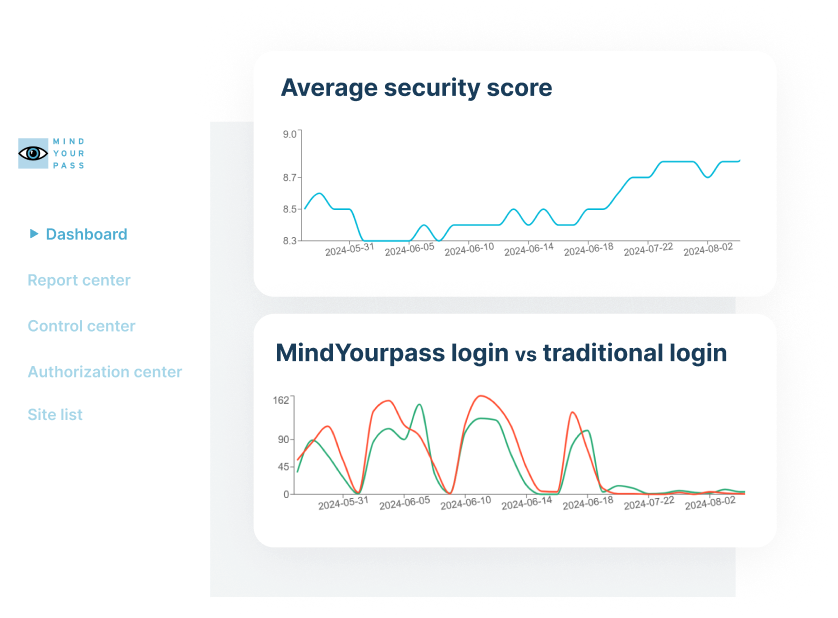
MindYourPass goes further. Alongside a powerful password manager, it gives organizations continuous insight into applications, authentication methods, password usage, and login risks. Based on this, organizations can apply and enforce security policies centrally, so secure login doesn't depend on the behavior of individual users.
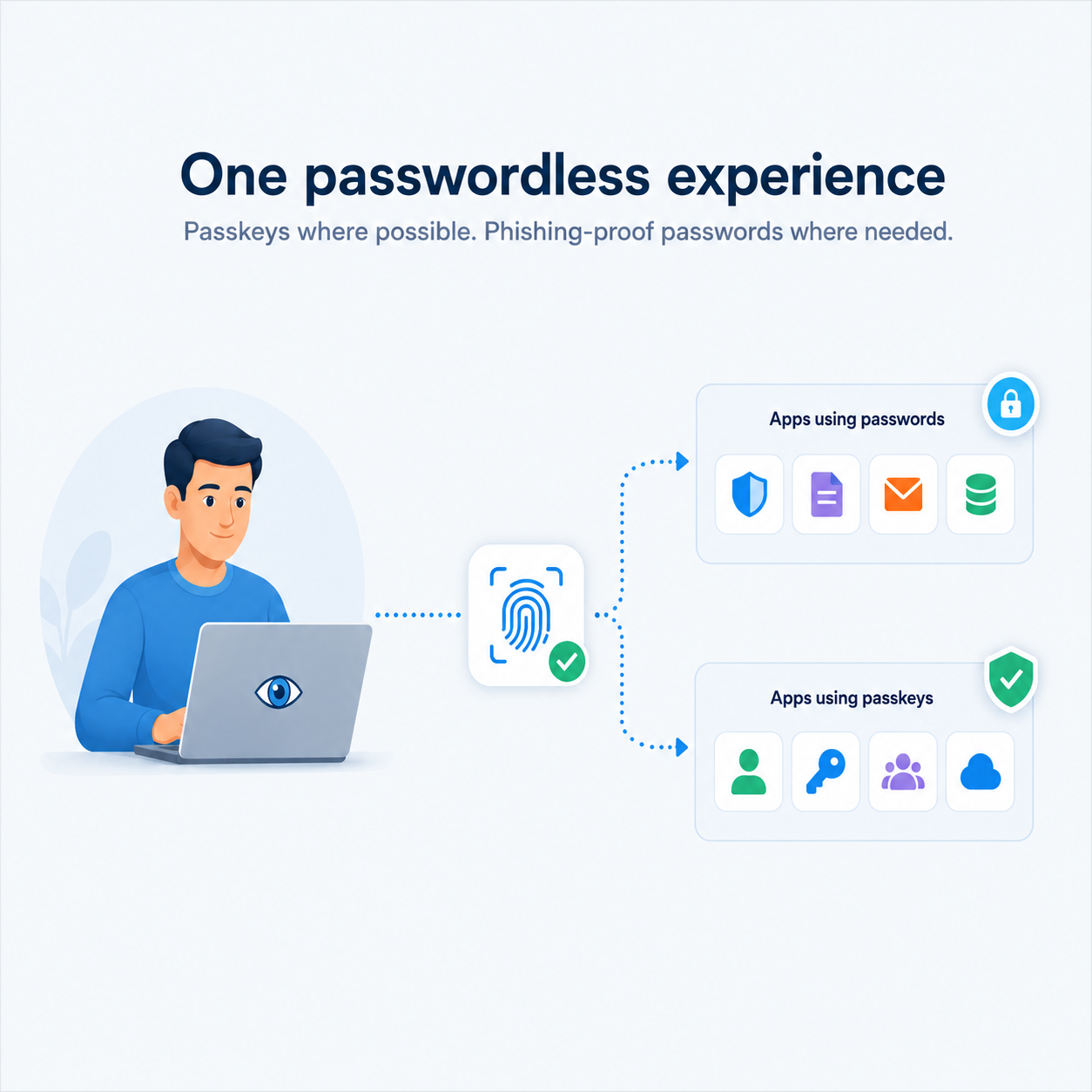
MindYourPass also supports both passwords and passkeys on a single platform. Organizations get insight into their passwordless readiness and can move to passkeys step by step, while applications that still rely on passwords stay securely supported.
It also stands out for its patented vaultless technology: passwords are never stored in a password vault.
This is how MindYourPass helps organizations keep improving digital access: from secure, phishing-resistant password use today to a controlled move to passwordless.
MindYourPass is built for organizations that want secure, controlled, and future-proof digital access. It suits small, medium, and large organizations alike, and is used in sectors such as government, healthcare, education, housing associations, accounting, and business.
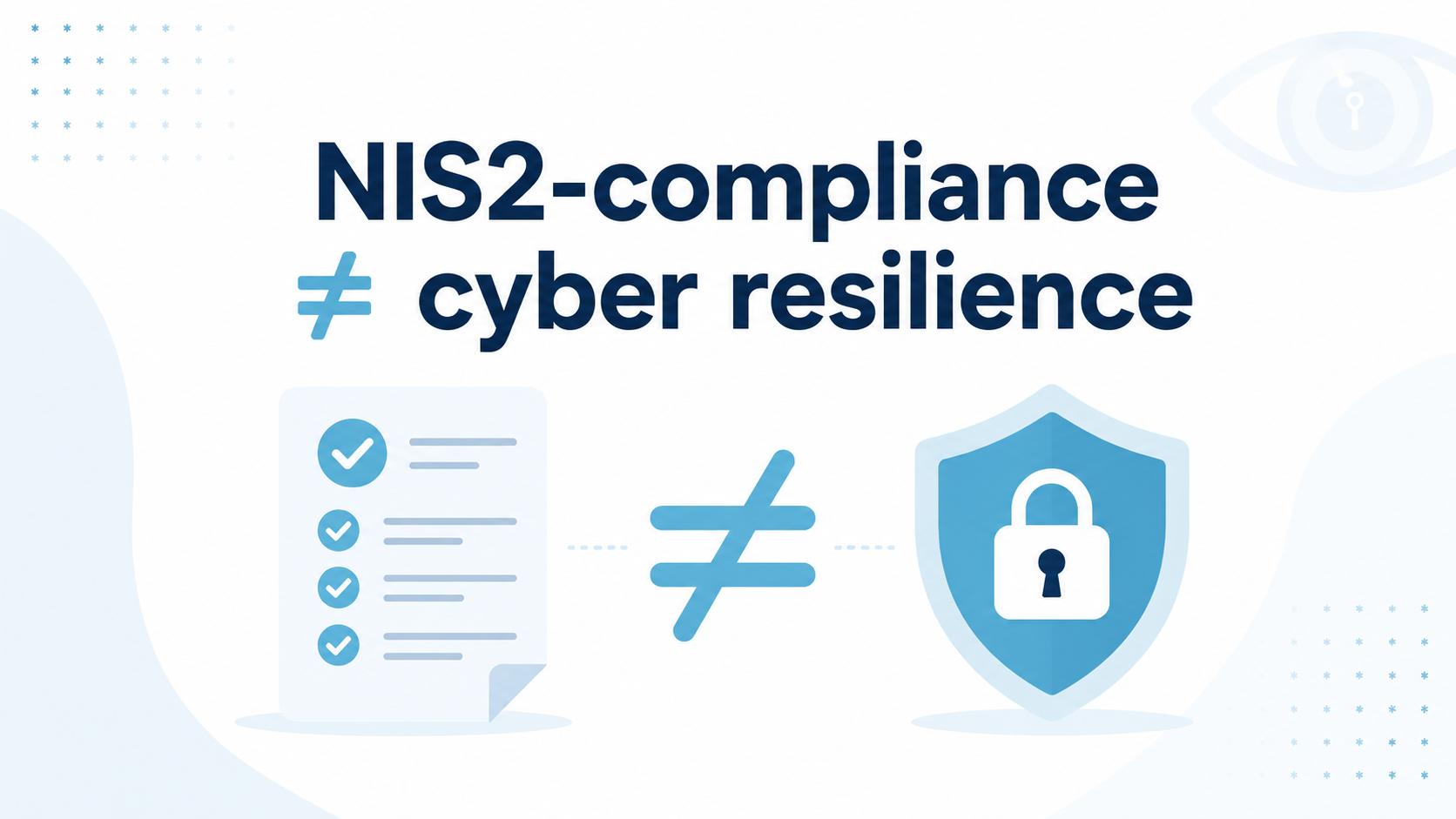
Whether you want to get started with secure password management, introduce passkeys, comply with regulations such as NIS2, or get better insight into applications and login risks, MindYourPass supports you at every step toward secure digital access.
Thanks to its modular design, you can start with insight through monitoring and then add secure password management, passkeys, and centralized security policies.
MindYourPass's patented vaultless technology calculates a password each time it's needed. That means passwords never have to be stored in a central or local vault.
For every site or web application, the same password is always calculated from a set of unique data. Because the same input always produces the same result, the password can be regenerated on any authorized device without ever being stored.
The calculation is also domain-bound. Every web application automatically gets its own unique password, and a password can't be used on another website or on a phishing domain.
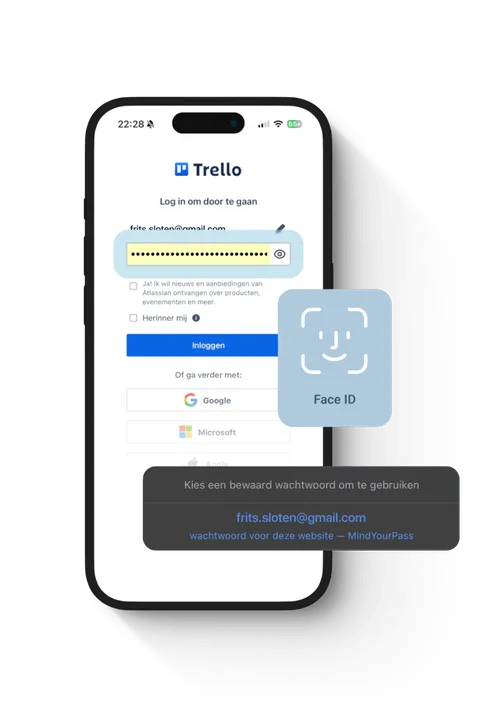
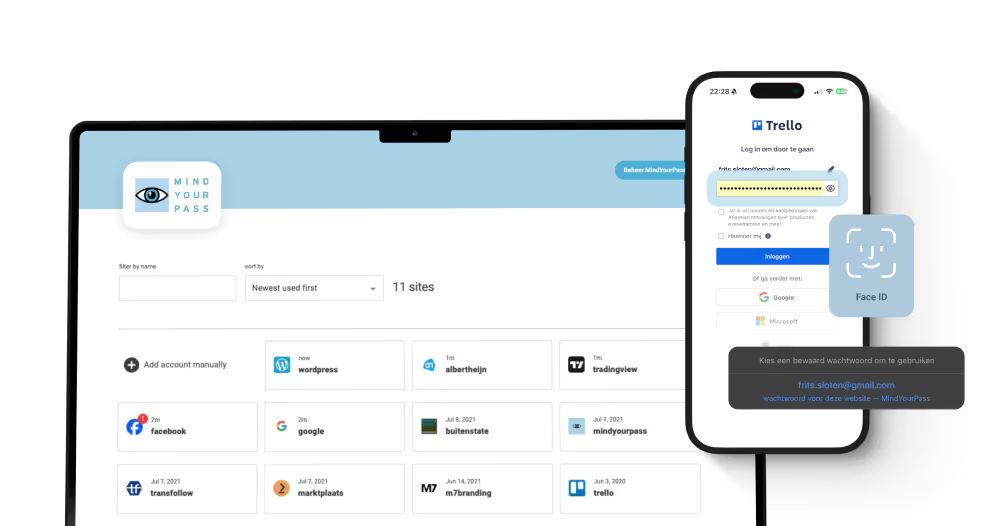
For the user, it works just like a traditional password manager: after verification, the right login credentials are filled in automatically. Behind the scenes, though, passwords are calculated rather than stored.
MindYourPass helps organizations significantly reduce phishing risk at login.
When users log in with a passkey, authentication is inherently phishing-resistant.
For web applications that still use passwords, MindYourPass adds a layer of protection. Its patented vaultless technology generates a unique, domain-bound password for every website. Passwords can't be swapped between sites: a password for one website doesn't work on another.
In addition, the MindYourPass Password Manager only fills in login credentials on the correct website. Users never have to type or copy and paste passwords, which further reduces the chance that phishing succeeds.
In this way, MindYourPass offers one secure login experience for both password-based and passwordless applications.
Implementation always starts with a technical setup.
For a MindYourPass Assessment or Monitoring, this means installing the MindYourPass Agent.
Implementing the MindYourPass Password Manager involves both a technical software setup and an organizational rollout. Alongside the technical configuration, it covers rolling out to users, communication, onboarding, training, and adoption.
Each solution has its own implementation guide with step-by-step instructions.
Yes. MindYourPass integrates with existing Single Sign-On (SSO) solutions, such as Microsoft Entra ID, Okta, and other identity providers that support SAML or OpenID Connect.
Web applications that already support SSO keep using the existing identity provider directly. MindYourPass doesn't take over this authentication and doesn't change the existing SSO login flow.
Users sign in to MindYourPass with SSO through their organization's identity provider. From there, they can also log in securely to web applications that aren't linked to SSO and still require a password. For the user, it feels like the same simple SSO login, for example with Windows Hello, biometric verification, or a FIDO2 security key, without ever having to enter a password again.
This creates one consistent login experience for all web applications, whether they use SSO, passkeys, or passwords. MindYourPass calls this Total Sign-On: extending the benefits of Single Sign-On to web applications that don't support SSO yet.
Organizations benefit too. Access to the MindYourPass Password Manager can be managed centrally through the identity provider, so existing security measures such as user provisioning, deprovisioning, and conditional access also apply to web applications that still rely on passwords.
Password Manager 2.0
With our three-step approach — Identify - Improve - Insist — you tackle the problem at the core. Structural and effective.
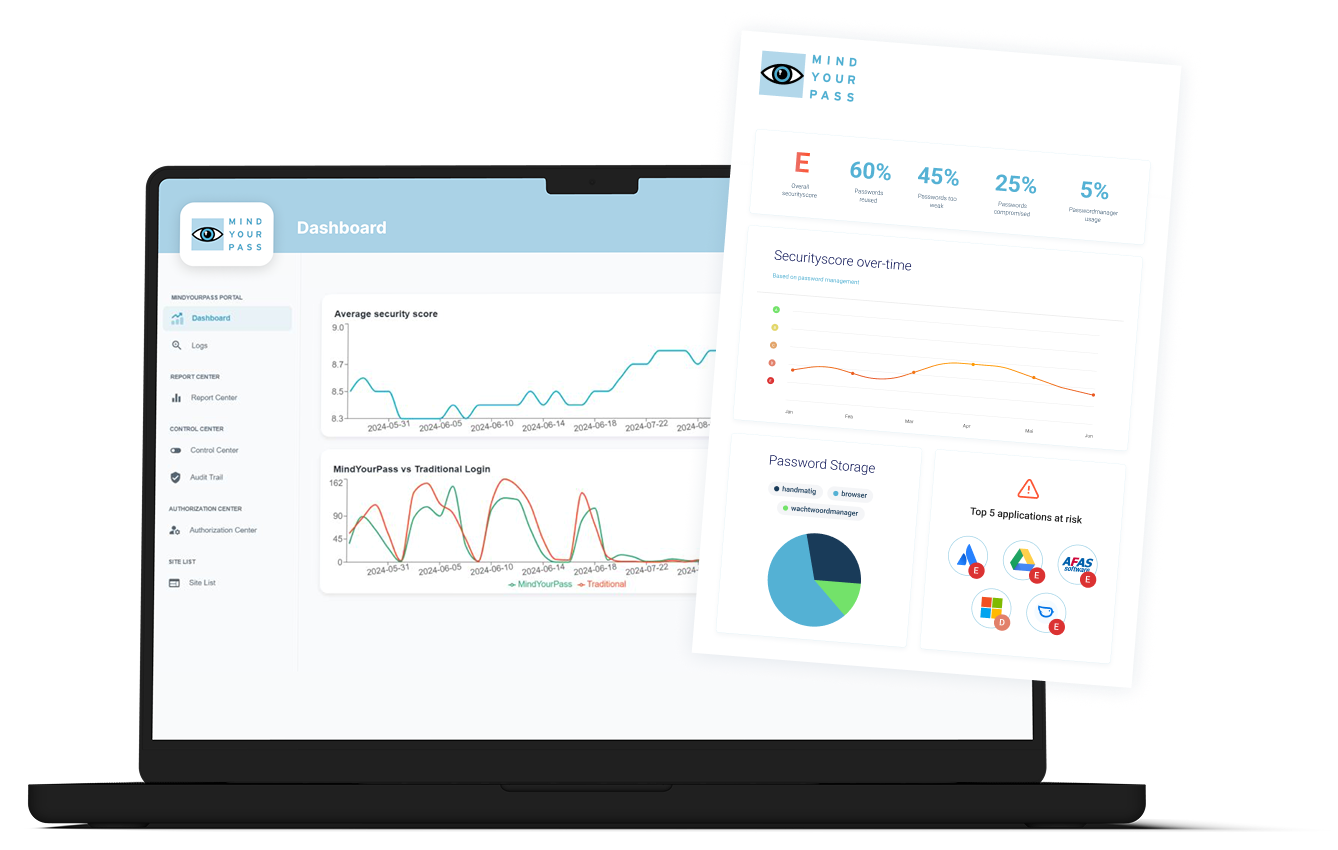
See how secure your logins really are
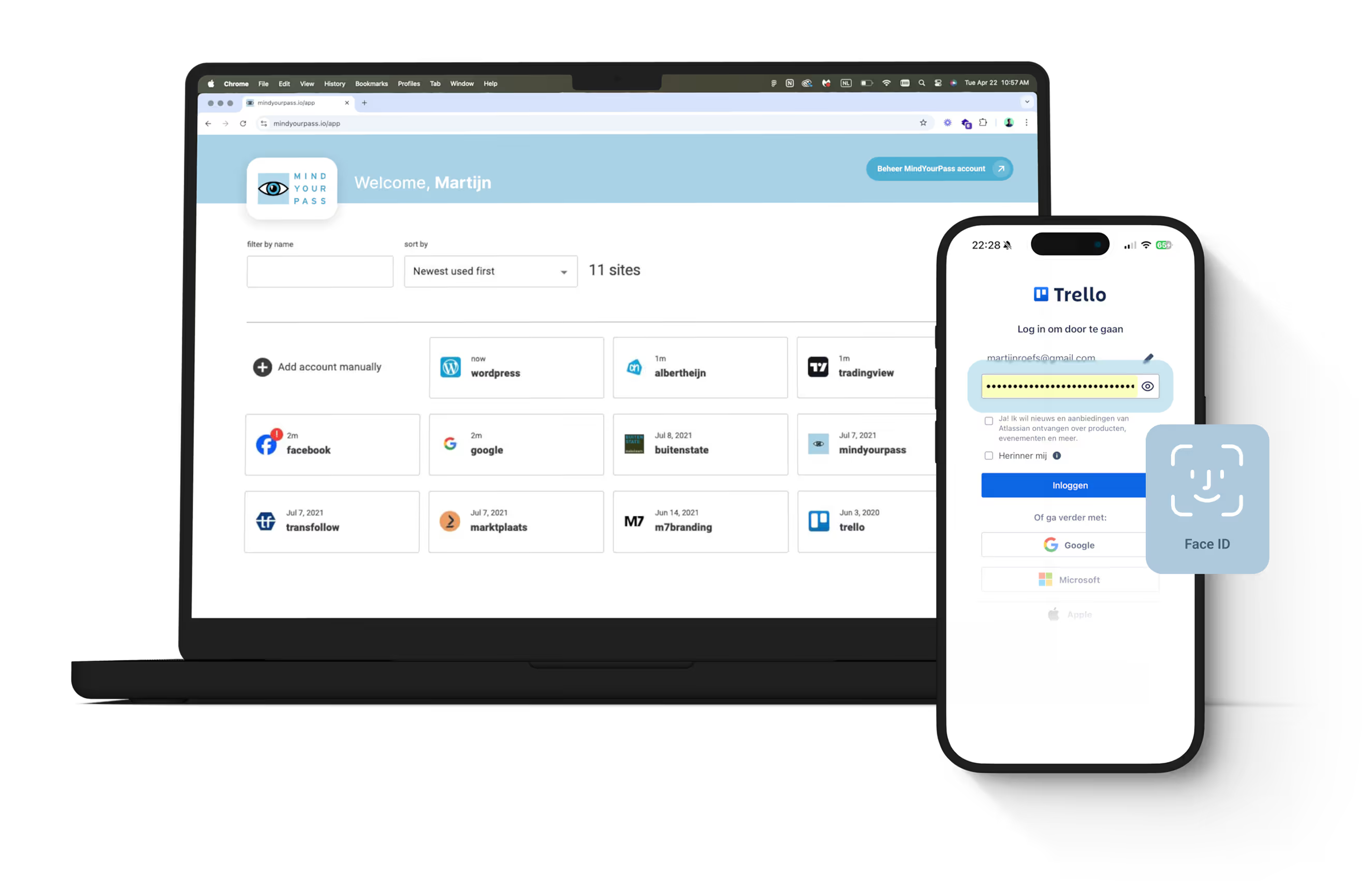
A password manager people really use
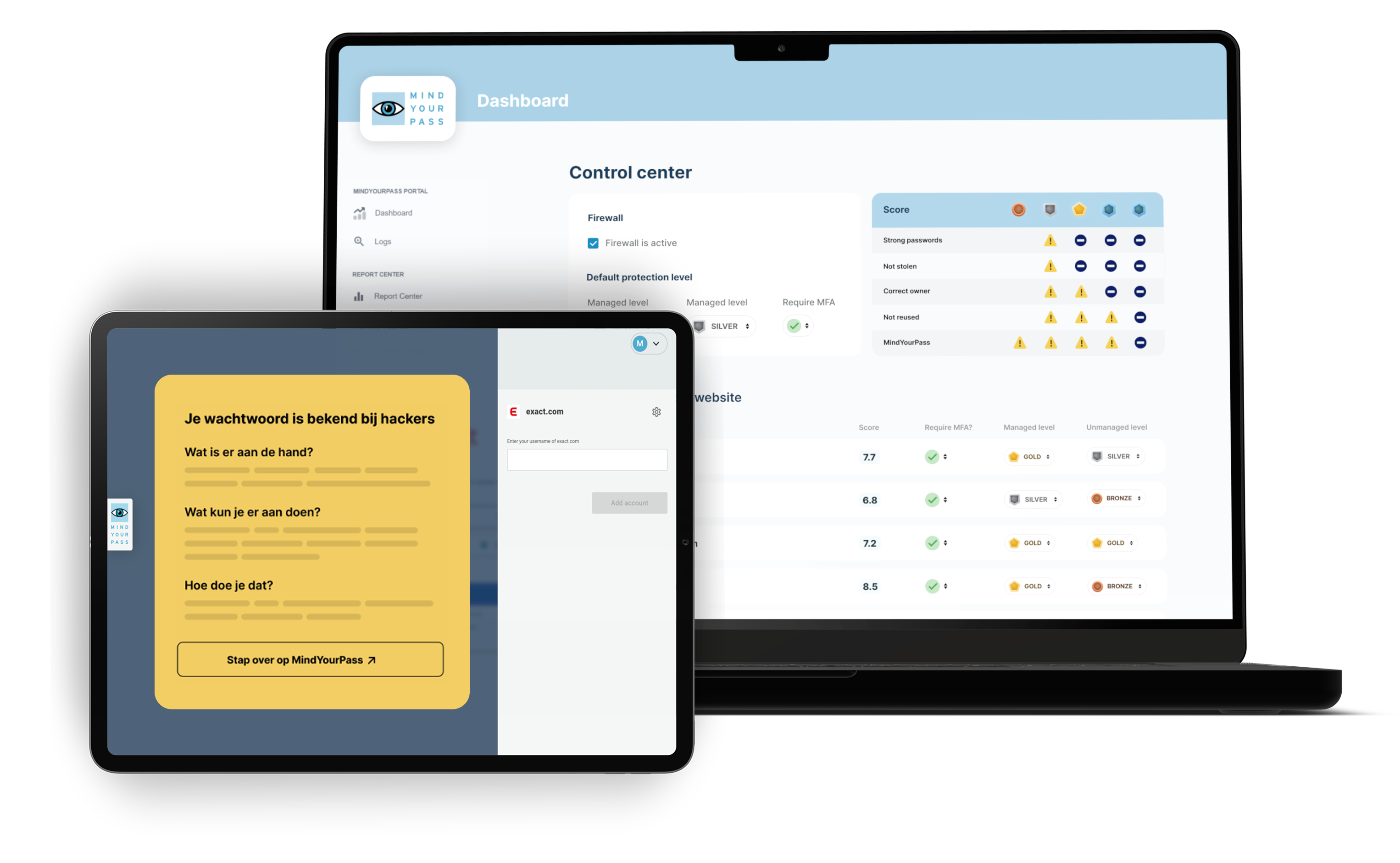
From paper policy to enforcement in practice
Logging in securely requires more than just a tool

Everything you need to log in securely
Comprehensive online how-to academy with tutorials and instructions for end users and administrators
Prevent password phishing by smartly recognizing fraudulent login pages
Let MindYourPass manage your passkeys cross-platform
Protect any business application with an extra layer of security, even those that don't have MFA themselves
Keep business and private passwords strictly separate. Free for private use
Securely share access to shared accounts with authorized people without sharing the password
Simply log in with facial recognition or a fingerprint without manually entering your password
Stop storing passwords in a hackable vault. MindYourPass's patented technology is safe, but reproduces passwords when you log in.
Generate rock-solid and unique passwords and easily set them for any account with one click.
Privacy guaranteed — always
Depending on the situation, you may encounter three different types of passwords or authentication methods.
Master password or SSO password
Use this to sign in to your MindYourPass account.
- Private users use a master password.
- Business users usually sign in via Single Sign-On (SSO), for example using their Microsoft 365, Google, or other organizational account.
Easy-to-remember password
The easy-to-remember password is the standard MindYourPass user authentication method. It is part of the generation process that MindYourPass uses to calculate account passwords.
Instead of an easy-to-remember password, you can also choose biometric authentication or a QR code.
Account passwords
Account passwords are the unique passwords you use to sign in to your web applications.
By default, MindYourPass automatically creates and calculates a unique, strong account password of up to 128 characters for every web application. You do not need to remember or manually enter these passwords.
Would you like to (temporarily) continue using your existing passwords? You can choose traditional passwords. MindYourPass will then use your existing account passwords until you choose to replace them with automatically calculated account passwords.
Please note: the master password (of SSO password) is used exclusively to log in to your MindYourPass account. The easy-to-remember password is used for user authentication before MindYourPass calculates an account password or uses a passkey.
No.
The easy-to-remember password is just one of the components MindYourPass uses to calculate the password for one of your accounts.
Each calculation also requires your personal MindYourPass account, the relevant web application, and several cryptographic components of MindYourPass. These components are not known to users and cannot be easily discovered by third parties.
Furthermore, the easy-to-remember password is not used as the password for your web applications and is not stored as such.
As a result, someone who only knows your easy-to-remember password cannot simply calculate or use your passwords.
The easy-to-remember password is the standard user authentication method for MindYourPass. It is part of the generation process used by MindYourPass to calculate passwords.
Before MindYourPass calculates a password or uses a passkey, it first verifies that you are the authorized user. This aligns with the Zero Trust principle: a user is not automatically trusted, but must verify their identity before access is granted.
Unlike the passwords for your web applications, the easy-to-remember password does not need to be unique or complex. In fact, you should choose a password that is easy for you to remember.
Because MindYourPass automatically calculates a unique and strong password for every web application, you no longer need to remember separate passwords for your web applications.
By default, the easy-to-remember password is used for user authentication. You can also choose to use biometric authentication or a QR code.
MindYourPass operates according to the Zero Trust principle: a user is not automatically trusted. Before a password is calculated or a passkey is used, MindYourPass therefore requires user verification. This confirms that the authorized user is performing the action.
Depending on your preference, you can verify yourself using:
- a memorable password (default);
- biometric verification (FIDO2), such as a fingerprint or facial recognition and FIDO2 keys;
- a QR code with the MindYourPass app.
The chosen verification method is part of the generation process and is separate from logging into your MindYourPass account.
More information about the memorable password can be found in the relevant FAQ.
Yes. Anyone can use the MindYourPass Password Manager for free to manage personal passwords and other private data.
Users with a MindYourPass business account can easily use a personal environment alongside their business environment. Business and personal data remain logically separated, ensuring both user privacy and organizational control.
The personal environment is fully owned by the user and will always remain free to use, even if the business account ends, for example when leaving a job or switching to a different employer. Personal passwords, passkeys, secure notes, and other private data are retained and remain accessible. A paid personal subscription is not required for this.
This allows users to use the same trusted password manager for both work and personal life, without being dependent on their employer and without the risk of losing personal data when leaving the company.