

Does a domain-bound password also protect against phishing and AiTM?


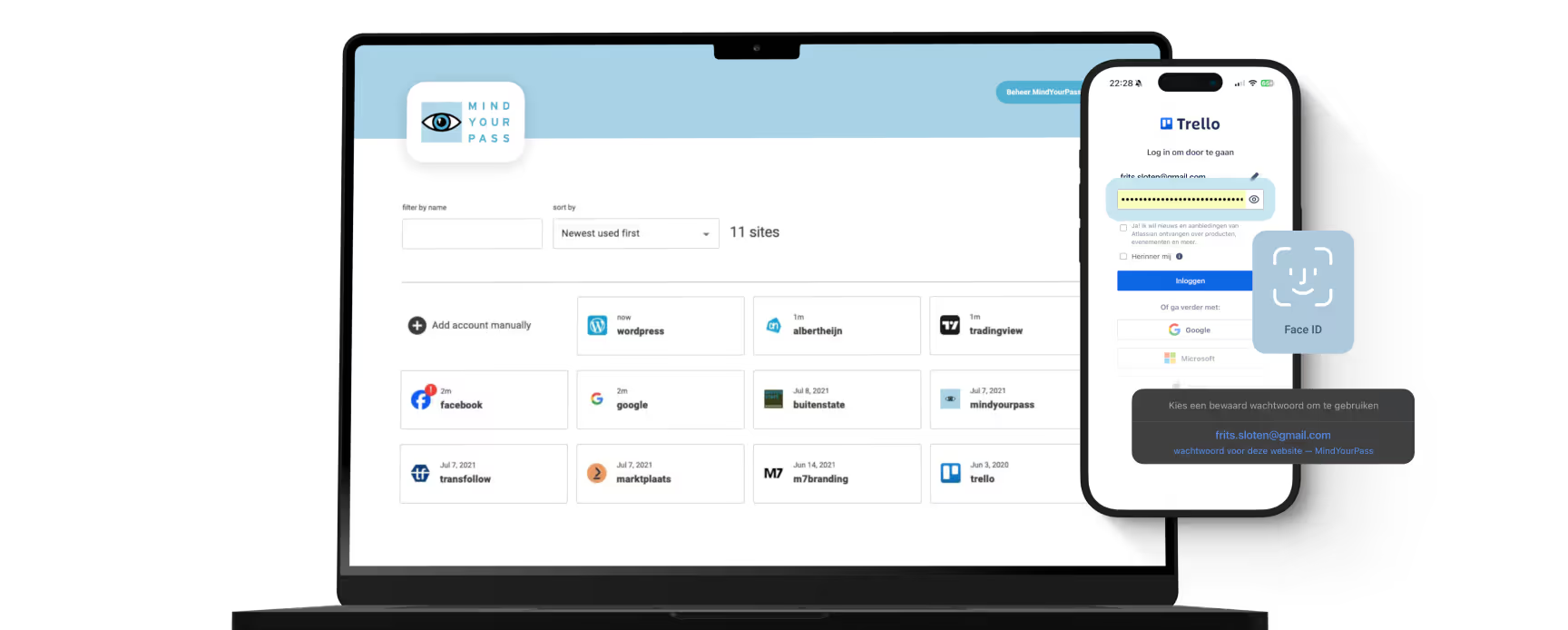
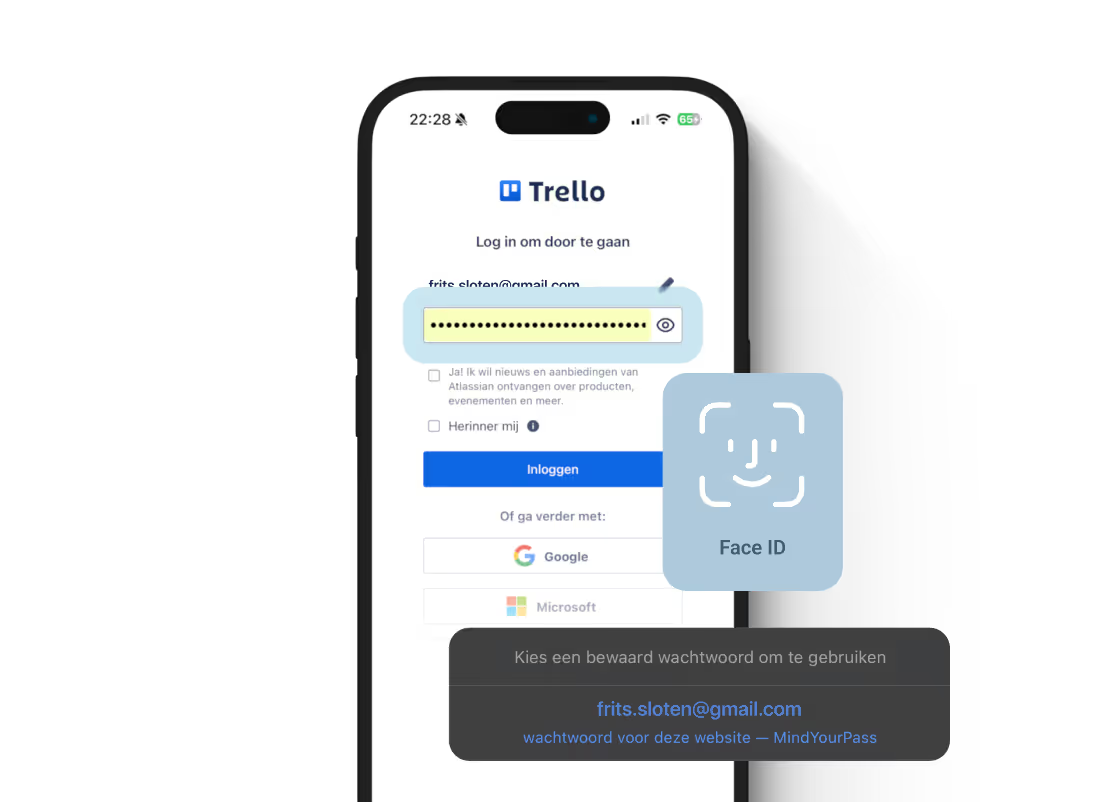

In short: Phishing and Adversary-in-the-Middle (AiTM) attacks work because a stolen password remains valid on the actual website. With MindYourPass, the password is calculated based on the domain name being visited, meaning a phishing domain automatically generates a different password than the legitimate one. Without a valid password, no successful login can occur, and without a login, there is no session cookie for an attacker to hijack. This provides strong protection against classic phishing and most reverse-proxy AiTM attacks—as part of a layered security approach, since no single measure covers every conceivable attack scenario. Read on to find out why.
Phishing remains one of the most successful methods for account takeover. Verizon research shows that the human factor, including phishing and social engineering, played a role in a large portion of all data breaches analyzed in 2025. While attackers used to primarily try to trick users into revealing their passwords, they are increasingly using so-called Adversary-in-the-Middle (AiTM)attacks. Security researchers have recently noted a sharp increase in this type of reverse-proxy attack, partly because off-the-shelf AiTM phishing kits are becoming more accessible. These attacks attempt to intercept not just a password, but the entire authentication process between the user and the website.
That raises a logical question:
If a password depends on the website you are logging into, does that also protect against phishing and AiTM?
The short answer is: yes, in many cases it does. To understand why, it is important to first look at how traditional passwords work.
Traditional passwords
With a traditional account, you choose or generate one password for a website. That password remains the same until you change it.
Suppose you have an account at:
https://bank.nl
and your password is:
MySecretPassword123
If you accidentally visit a phishing website such as:
https://bank-login-secure.com
and if you enter the same password there, the attacker immediately has the password that can also be used to log in to the real website.
So the problem is not just that the password is intercepted. The problem is also that the same password is also valid on the real website.
A domain-bound password works differently
MindYourPass works on a different principle.
Instead of storing website passwords, they are calculated based on several factors. One of those factors is the registered domain name of the website.
The MindYourPass browser extension or mobile app automatically reads the domain name of the website the user is on. This domain name is one of the factors in the password calculation.
This creates a unique password for every website.
The password for:
bank.nl
is therefore always different from the password for:
bank-login-secure.com
even if all other factors remain identical.
If a different domain name is visited than the one for which an account was previously registered, MindYourPass treats this as a different website and automatically follows a different password calculation.
Why does this help against phishing?
Almost every phishing website uses a different domain name than the legitimate website.
For example:
Legitimate
https://bank.nl
Phishing
https://bank-login-secure.com
Because the domain name is part of the password calculation, a different password is automatically created.
Even if a user enters this password on the phishing website, the attacker does not have the password that belongs to the real website.
After all, the phishing domain only receives the password calculated for that specific domain.
The valid password for bank.nl is simply not generated.
That is a fundamental difference compared to traditional passwords.
And what about AiTM?
An Adversary-in-the-Middle (AiTM)attack goes a step further than a standard phishing website.
Instead of just showing a fake website, the attacker places a reverse proxy between the user and the actual website.
Schematically, it looks like this:
User
     │
     ▼
login-bank-secure.com
     │
     ▼
bank.nl
To the user, everything appears normal.
The proxy immediately forwards the entered data to the actual website and attempts to let the user log in successfully without them noticing.
With traditional passwords, this often works.
The real website accepts the login credentials and then issues a session cookie.
Because this cookie passes through the proxy, the attacker can copy it and hijack the session without needing the password again later.
This type of attack is precisely why multi-factor authentication (MFA) does not always provide the protection users expect: AiTM frameworks intercept the session after the MFA step, meaning a second factor on its own does not stop the attack.
Why does that work differently with a domain-bound password?
The crucial difference is that MindYourPass looks at the domain name where the user is actually located.
In the example above, that is:
login-bank-secure.com
Not:
bank.nl
Because the domain name is part of the password calculation, a password is calculated for login-bank-secure.com.
When the proxy subsequently attempts to use that password on bank.nl, the actual website will reject the authentication.
Therefore, no successful login occurs.
And without a successful login, no session cookie is issued.
In other words: the attack fails before a session can be established.
Difference from a traditional password manager
Modern password managers also offer significant protection against phishing.
Almost all well-known password managers check whether the domain name matches the website for which a password is saved. If the domain differs, they generally do not autofill the password.
The difference lies in the underlying approach.
A traditional password manager stores the password in an encrypted vault. The correct password already exists and can—depending on the password manager and the user's actions—still be looked up, copied, or manually entered.
MindYourPass works differently.
The system does not store the website password, but calculates it based on several factors, including the registered domain name.
If the visited domain name does not match the registered domain name, a different password calculation is performed for that website.
The password associated with the legitimate website is simply not calculated in that instance.
As a result, security shifts from an ex-post check ("does this saved password match this website?") to an inherent property of the password calculation itself ("a different password exists for this website").
And how does this relate to passkeys?
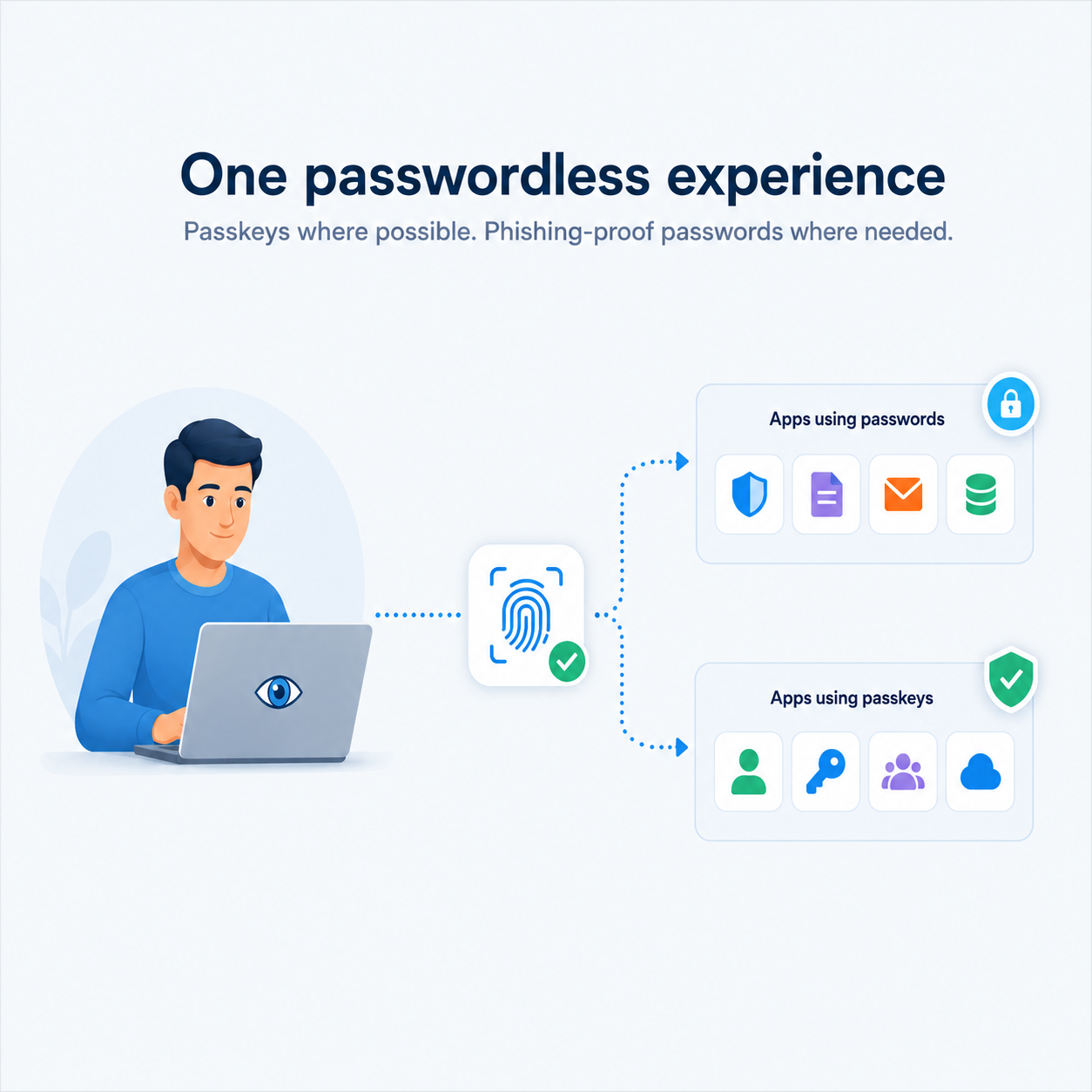
Anyone looking into phishing-resistant authentication will quickly come across passkeys (based on the FIDO2/WebAuthn standard). Passkeys are also frequently presented as the ultimate answer to AiTM, and for good reason.
A passkey is not about a password, but about a cryptographic key pair that is linked by the browser or operating system to the origin (the exact domain) for which it was created. If a phishing website tries to use a passkey created for a different domain, the browser refuses this before anything can be sent to the attacker. This makes passkeys highly resistant to phishing and AiTM.
The underlying principle of MindYourPass is similar: here, too, authentication is bound to the actual domain, meaning a phishing domain receives nothing of value. The main difference lies in the form:
- Passkeys replace the password entirely with a key pair, stored by the device or browser. This requires broader support from the website or service itself, and for recovery and portability, users are often dependent on their operating system's ecosystem (e.g., Apple, Google, or Microsoft).
- MindYourPass continues to work with a calculated password that is domain-bound. This makes it usable on virtually any website that accepts a standard password field, without the website itself needing to make any changes or support passkeys.
In other words: while passkeys replace the authentication method itself, MindYourPass applies the same principle of domain binding within the existing, universally supported password model. This makes it a practical alternative for situations where passkeys are not (yet) available or desirable everywhere.
It is worth noting that this does not have to be an "either-or" scenario. MindYourPass also supports managing passkeys alongside domain-bound password calculation. For websites that offer passkeys, a user can choose that strongest form of protection. For the many websites that do not (yet) support passkeys, the domain-bound password remains an equally phishing-resistant solution within the existing password model. This way, a user is not dependent on the pace at which individual websites roll out passkeys, yet remains consistently protected against phishing and AiTM.
Where protection has its limits
Domain binding is powerful, but it stands or falls on correctly recognizing the domain. A few situations are worth mentioning:
- Look-alike domains (homograph attacks). An attacker can register a domain that looks identical to the naked eye but is technically a different domain (for example, by using different characters or subtle character swaps). For MindYourPass, this is simply a different domain, and therefore a different password is automatically calculated — exactly as intended. The risk here, therefore, does not lie in the password calculation, but in whether the user would have noticed the difference in the address bar themselves.
- Compromised subdomains of the legitimate website. If a subdomain of the actual website is taken over by an attacker, it technically remains the same registered domain. Domain binding is therefore not an additional security measure against that specific scenario; this still requires proper server security by the website administrator themselves.
These are not shortcomings of the principle itself, but a reminder that domain binding is one highly effective layer within a broader set of security measures.
Does this mean AiTM becomes completely impossible?
No.
It is important to distinguish between different attack techniques.
A domain-bound password prevents an attacker from obtaining the valid password for the real website via phishing or a reverse proxy.
That is a powerful security layer.
But there are also attacks that do not rely on the password at all.
Consider, for example:
- malware already present on the user's device;
- browser or operating system compromise;
- vulnerabilities in a web application;
- theft of an already active session from the user's device.
In those situations, the point of attack is not the authentication, but elsewhere.
No password technique—including passkeys—can completely prevent such attacks.
An important distinction
It is often said that AiTM "steals sessions." That is correct, but only after a successful authentication has taken place.
With a domain-bound password, that successful authentication may not occur during a phishing or reverse-proxy attack, because a different password is calculated for the phishing domain than for the real domain.
No session is created without successful authentication.
And without a session, there is nothing to hijack.
Conclusion
By incorporating the domain name into the password calculation, a unique password is created for every website.
As a result, a phishing site can never obtain the same password as the legitimate website.
This not only provides strong protection against traditional phishing, but in many cases also prevents a reverse-proxy AiTM attack from establishing a valid session. After all, without successful authentication, no session is issued that can be hijacked.
This does not mean that all forms of account takeover become impossible. Attacks on the user's device, vulnerabilities in a web application, and edge cases such as compromised subdomains remain—just as with any other authentication method, including passkeys.
However, it does fundamentally change the approach to a major attack vector: the misuse of passwords via phishing or a reverse proxy. By cryptographically binding the password to the domain name, a password calculated for one website is simply unusable on another.
Sources: Verizon 2025 Data Breach Investigations Report; SpyCloud 2025 Identity Threat Report; KnowBe4 2026 Phishing Threat Trends Report.

Get in touch with us.
Let MindYourPass make your organization safe.
Log in securely with ease.
At home and at work.


Triple-i™ improvement method
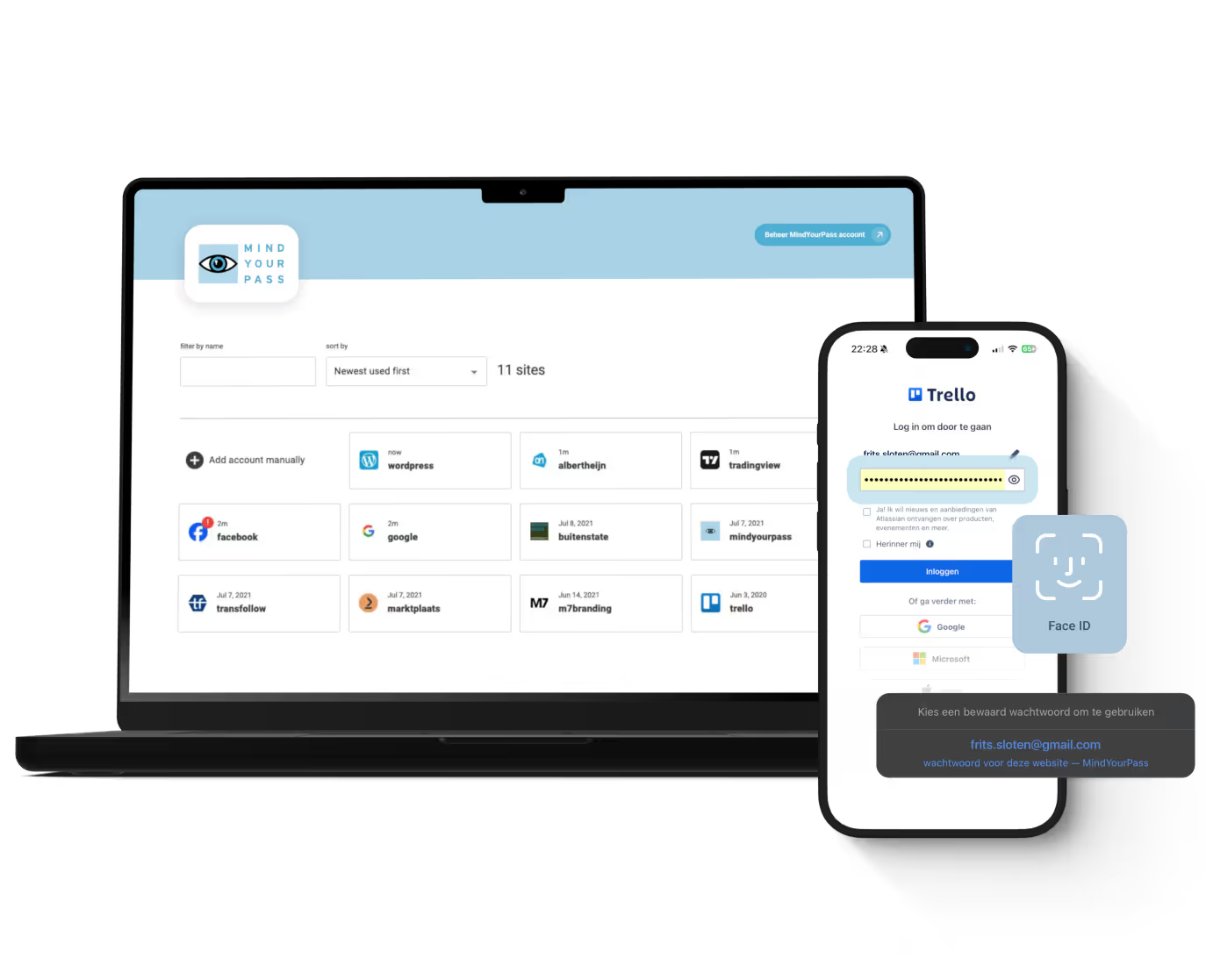
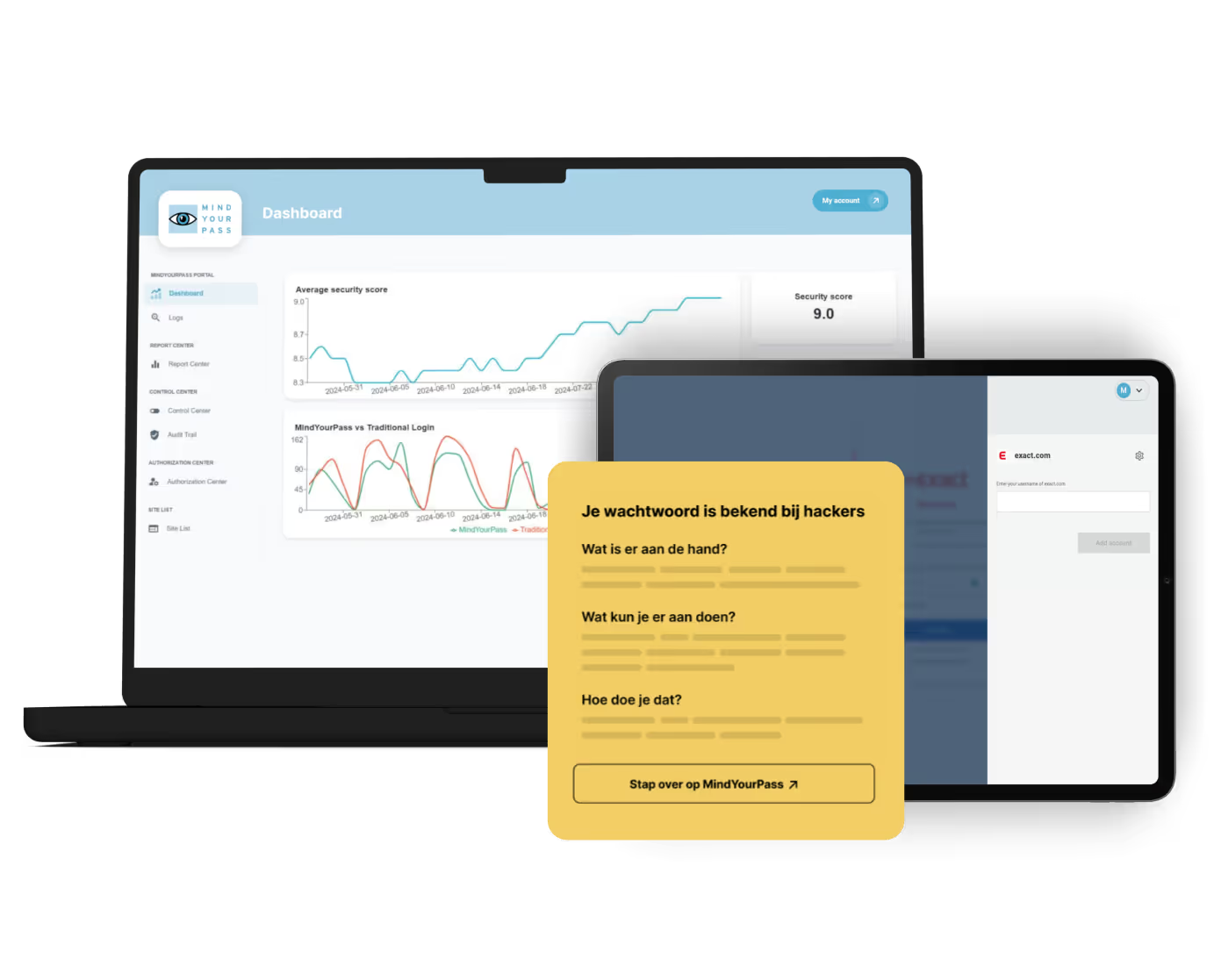
De kluisloze wachtwoordmanager van MindYourPass
Met de wachtwoordmanager van MindYourPass maak je eenvoudig al je wachtwoorden ijzersterk en uniek. De wachtwoordmanager beheert jouw wachtwoorden, waarmee jij dagelijks kunt inloggen op al je accounts. Zonder dat jij je wachtwoorden hoeft in te typen. Dat doet MindYourPass voor je.