"We have SSO for all applications." This is why that's rarely true in practice.



In sales conversations, we naturally always ask why someone is getting in touch, and what they are already doing in terms of access policy and password management. We often hear that they “have SSO for everything.” That piques my curiosity, because if an organization already has SSO for everything, why would you talk to a provider of password solutions?
When I ask follow-up questions about whether every application is actually connected via SSO, it usually turns out not to be the case. What organizations mean is that a central identity provider such as Microsoft Entra ID (Azure AD) or Google Identity has been set up. That gives users direct access to Microsoft 365 or Google Workspace (email, calendar, files, Teams/Meet) and a limited number of external SaaS applications connected via SAML, OAuth, or OIDC. For these specific applications, authentication is handled through the identity provider and users do not have to log in separately. For a large part of the application landscape, however, this is not the case.
The principle of Single Sign-On goes further in essence: one identity (for example a Microsoft or Google account) that is used to access all applications, because they are technically federated with the same identity provider. In practice, that full coverage is rarely achieved, and a considerable share of applications remains outside the SSO domain.
That is exactly where confusion often arises in practice. By “SSO,” people frequently mean that Microsoft Entra ID or Google Identity is in use and that a few business applications are connected to it. Technically, that is something different from a situation in which the entire application landscape is accessible through a single central identity provider. That is why it makes sense to define precisely what SSO is, where it works well, where its limitations lie, and when additional solutions, such as a password manager, may be needed. In this article, we work through that step by step.
What is the technical definition of SSO?
Single Sign-On (SSO) is an authentication mechanism in which a user authenticates once with a central identity provider, such as Microsoft Entra ID or Google Identity. That identity provider then handles authentication toward connected applications, so the user does not have to log in again.
This works through federated authentication: applications delegate the login process to the identity provider and rely on the identity established there. In practice, this is implemented through standards such as SAML, OAuth, and OpenID Connect (OIDC).
SSO therefore works exclusively for applications that are technically integrated with the identity provider. Only in those cases can authentication be centralized and reused. That does not mean SSO is limited to Microsoft or Google applications. Many external SaaS applications also support federated login and can be connected to the same identity provider, such as Slack, Atlassian Jira, Salesforce, ServiceNow, or Topdesk. In those cases, a local account is no longer used for authentication; instead, the identity is passed on from the identity provider.
For applications without this connection, a separate authentication flow remains, for example via a username and password or a passkey. These therefore fall outside the SSO domain.
What does that mean for the user?
For the user, SSO translates into a continuous login experience. After one successful authentication with the identity provider (for example via Microsoft Entra ID or Google Identity), a session is created, usually in the form of a token. As long as that session is valid, the user can keep working in all connected applications without logging in again, such as email, calendar, Teams, or other SaaS tools.
As long as all required applications are made available through the same identity provider, it seems as if separate accounts or passwords no longer exist. After all, the identity provider acts as the central source for authentication.
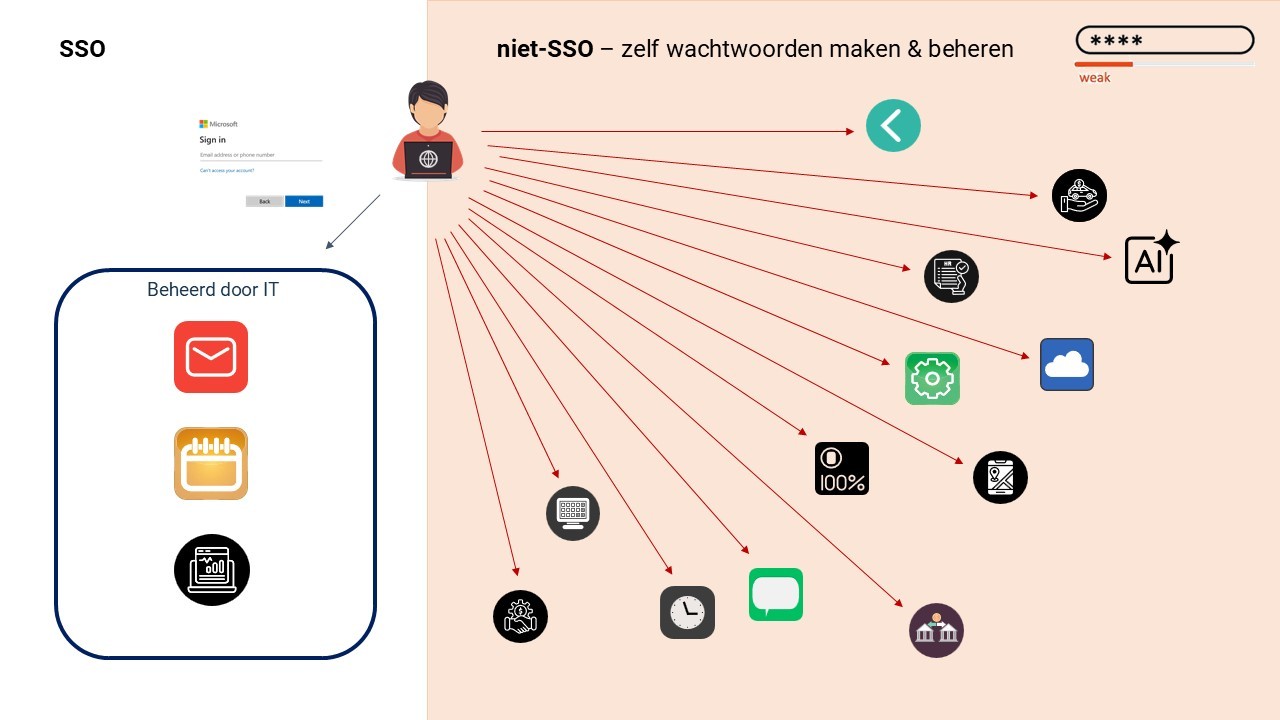
That changes as soon as an application falls outside this SSO domain. In that case, the connection with the identity provider is missing and the user has to authenticate again, for example with a username and password or a passkey. This also applies to scenarios involving shared accounts, which often cannot be made available through federated login.
This creates a fragmented experience for the user: some applications work seamlessly via SSO, while other systems still require separate credentials.
The limits of SSO in practice
In practice, SSO runs into two structural limitations: technical coverage and cost. A considerable share of the application landscape does not support federated authentication. Smaller SaaS tools, niche applications, and supplier portals in particular do not (yet) have an integration with identity providers such as Microsoft Entra ID or Google Identity. These applications therefore fall outside the SSO domain and require their own authentication flow.
There is also an economic question. Many SaaS vendors offer SSO functionality exclusively within their more expensive enterprise plans. Platforms such as sso.tax show how often this functionality is offered as a premium option. As a result, organizations pay not only for their own identity platform but also per application to be able to connect it. So even when full SSO is technically possible, that does not mean it is practical or economically sensible to roll it out everywhere.
A strategic consideration comes on top of that. The more applications depend on a single identity provider, the greater the impact if that central identity is compromised. In that scenario, access to one account means access to a large part of the application landscape.
In practice, this almost always results in a hybrid situation: some applications are connected via SSO, while others fall outside it and remain dependent on separate accounts and credentials. It is precisely that remaining part that largely determines the actual risk and the management burden - and it calls for a different approach than SSO alone.
Without visibility, no effective access management
Effective access management does not start with technology, but with visibility into the application landscape. In many organizations, that overview is missing. Alongside the formally managed IT systems, there is often a long list of applications that stay out of sight: SaaS tools - whose growth has accelerated thanks to the proliferation of AI tools - that teams have introduced themselves, free services, supplier and partner portals, and various niche applications.
For these applications, it is often unclear how authentication takes place: whether they run through the central identity provider, or whether there are separate accounts with their own credentials. Without this visibility, it is not possible to determine in a targeted way where SSO is applied, where that is technically or economically feasible, and where risks arise from weak passwords, reuse, or unmanaged accounts.
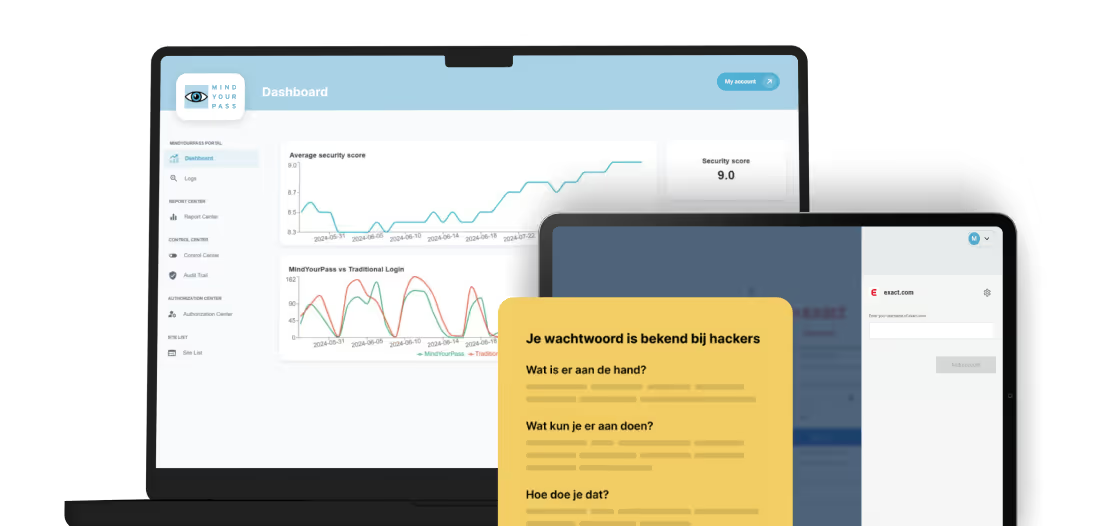
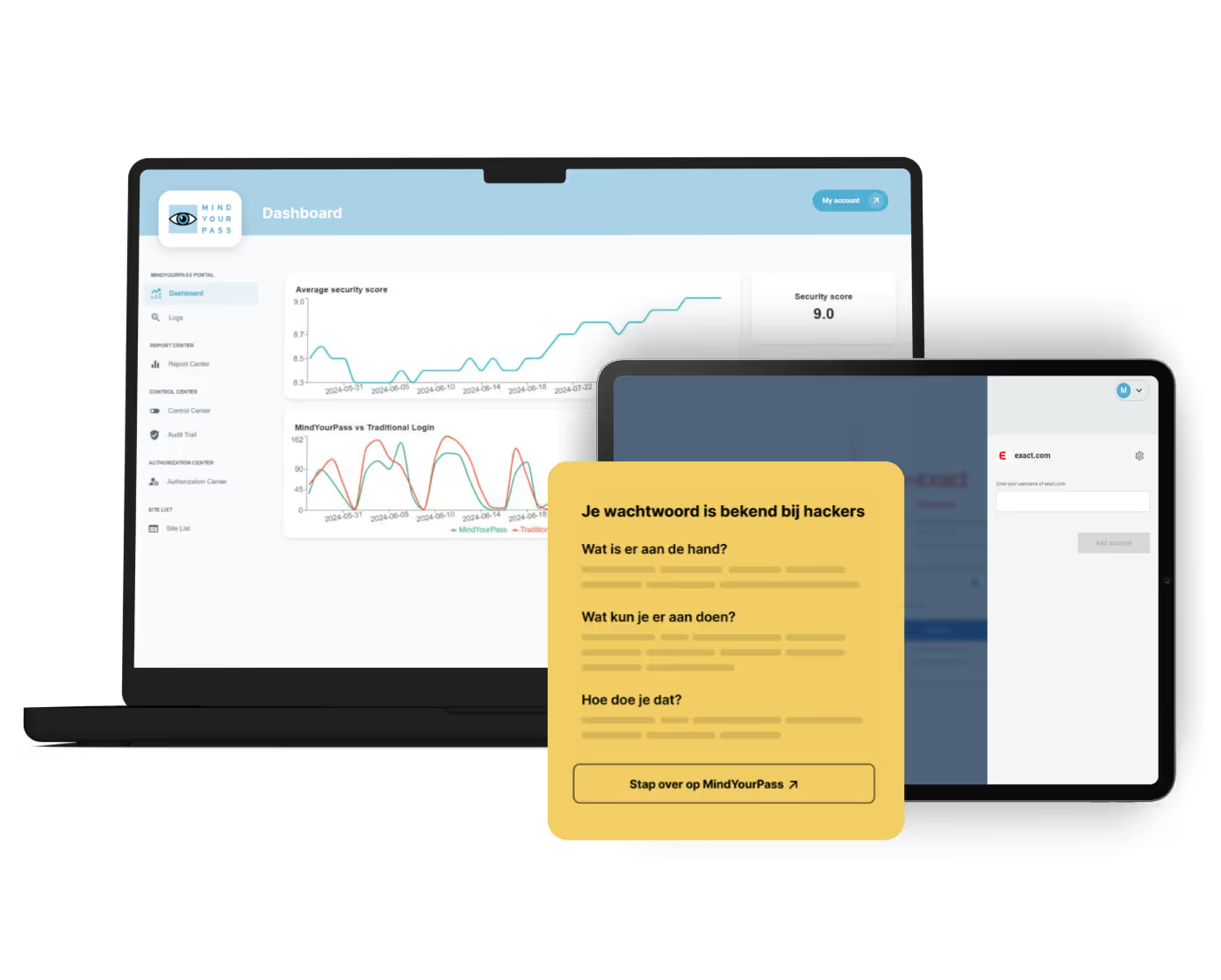
Mapping this application landscape is complex in practice, precisely because many of these tools are not registered centrally. The monitoring solution from MindYourPass makes this visible by inventorying and analyzing actual application usage and login methods. This gives you a realistic picture of where SSO is effectively deployed and where additional measures are needed within the organization's actual application landscape.
It is precisely the part of the application landscape that falls outside SSO that ultimately determines the effectiveness of your access management.
From Single Sign-On to Total Sign-On
SSO provides a strong foundation for applications that can be connected to an identity provider. At the same time, it is clear that part of the application landscape structurally falls outside it. Instead of accepting that as a given, you can steer toward one consistent model for all accounts - both inside and outside the SSO domain.
We call that Total Sign-On: a model in which all accounts fall under the same identity and the same enforceable policy, regardless of whether an application supports SSO. Not everything has to run through SAML, OAuth, or OIDC to still fall under central control.
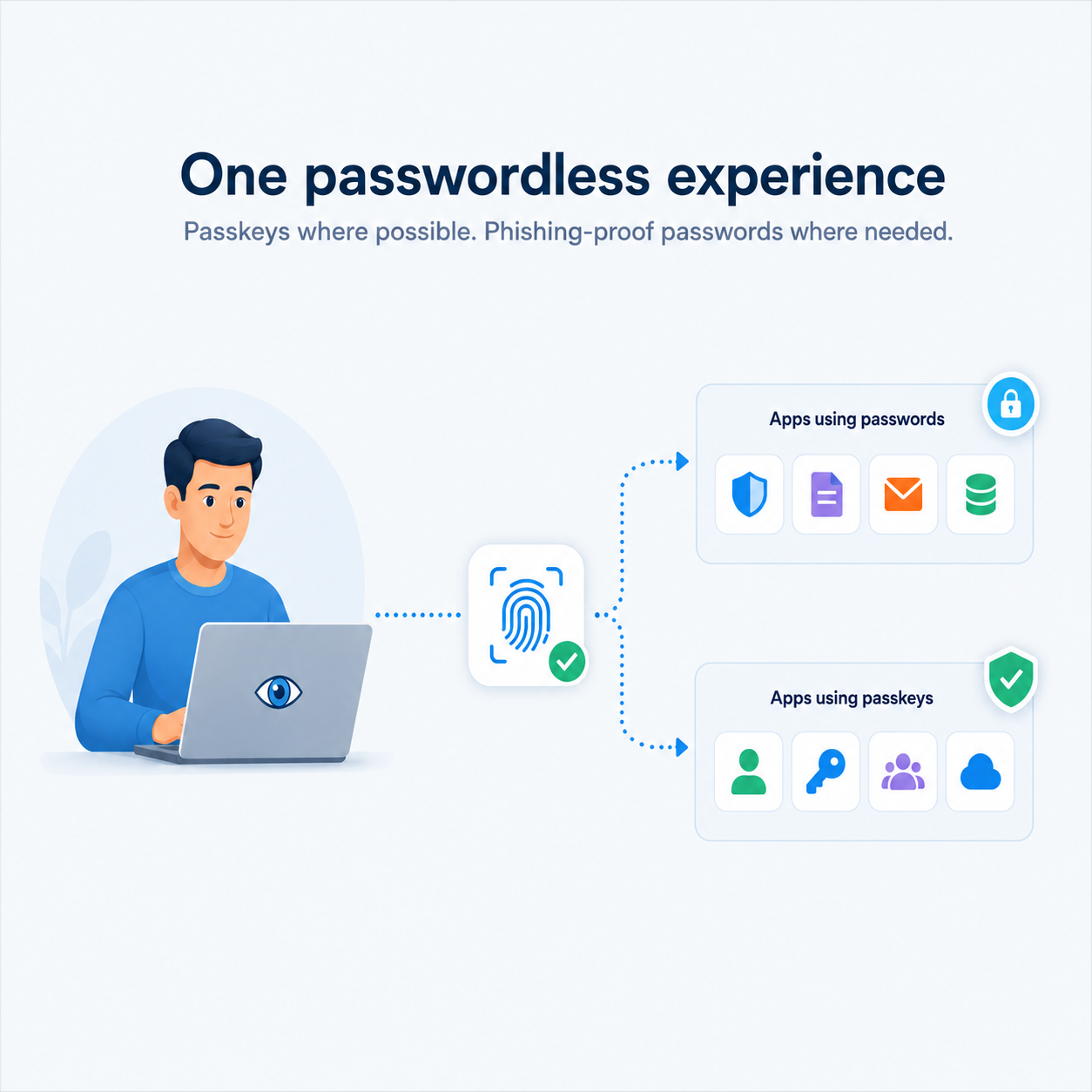
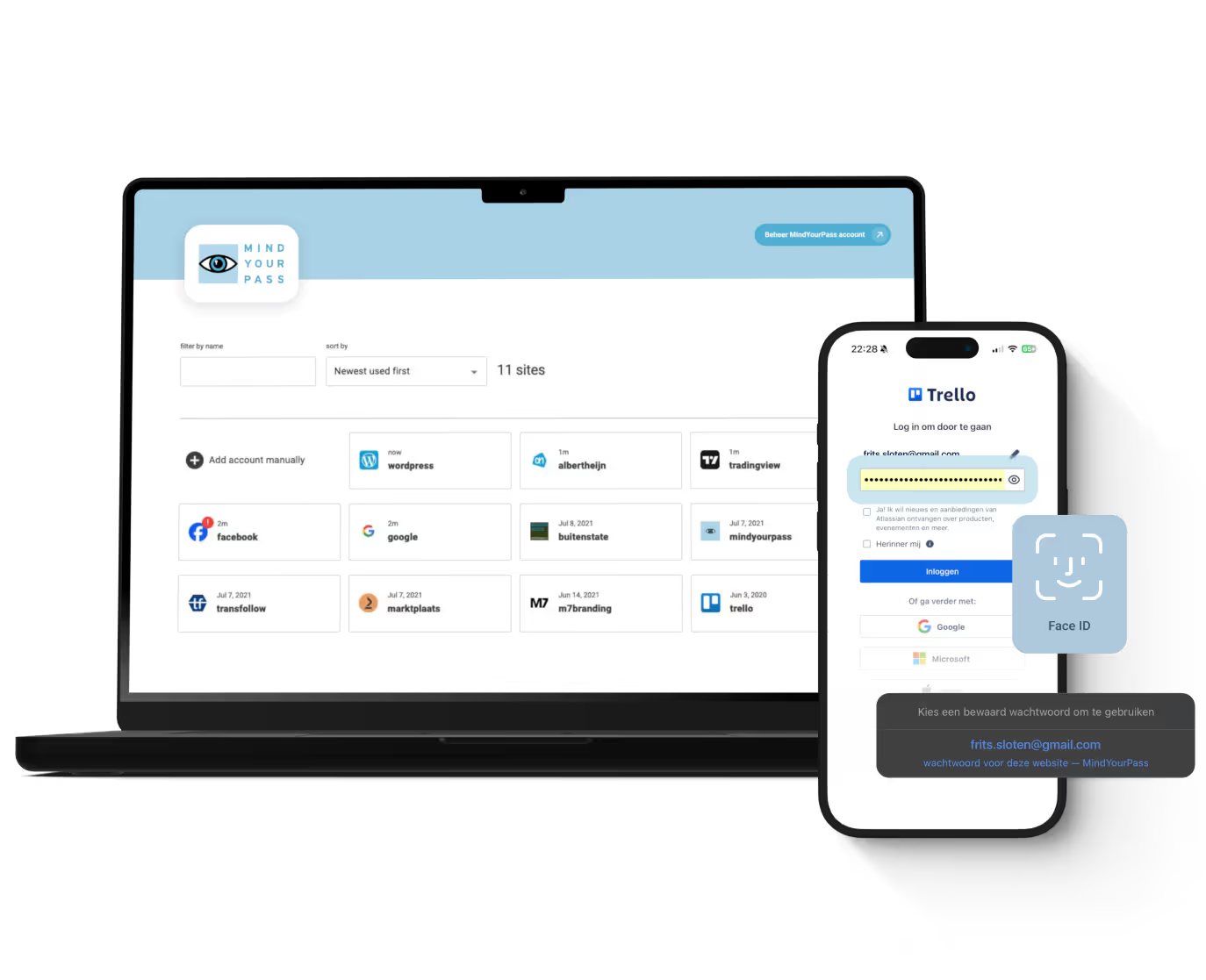
This is where a solution like MindYourPass comes in. Employees authenticate once via the existing identity provider, for example with Microsoft Entra ID. From that identity, they get access to both SSO and non-SSO applications.
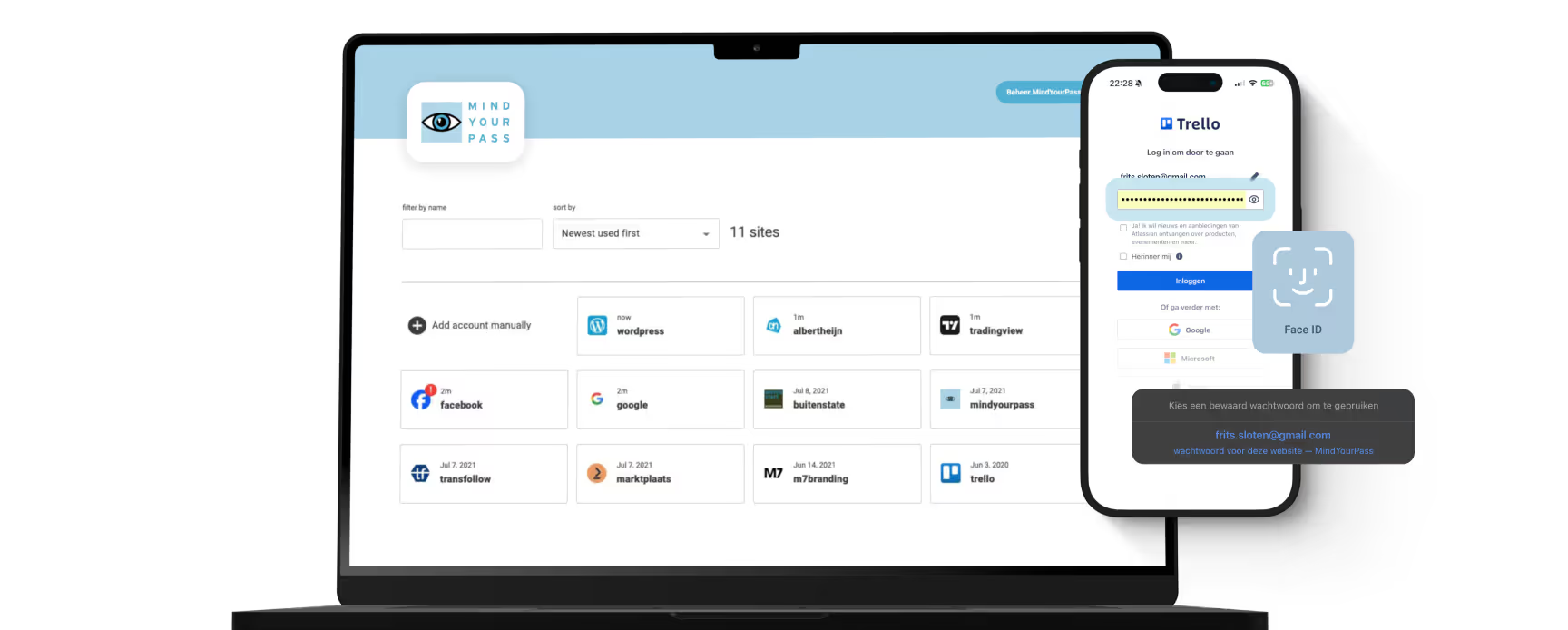
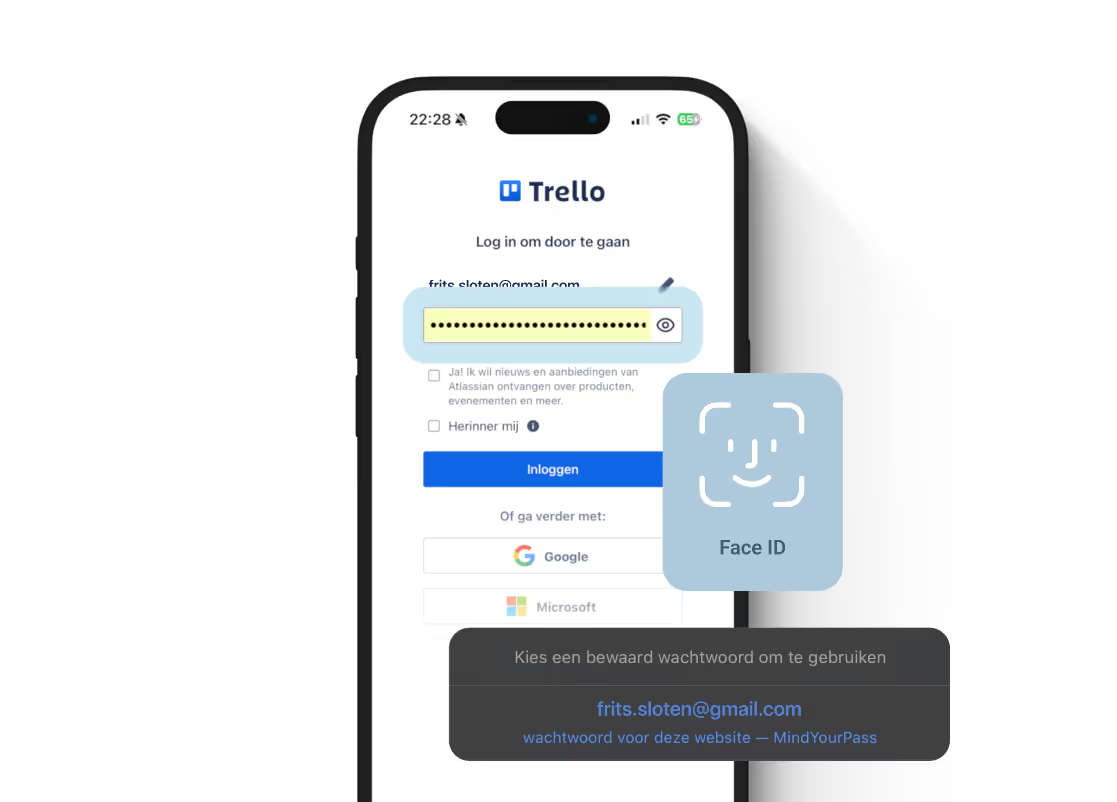
For applications with a federated connection, this runs through regular SSO. For applications without SSO, access runs through the MindYourPass platform, which is connected to the identity provider. There, employees authenticate with biometrics or another strong factor, for example, after which MindYourPass automatically performs the underlying username-and-password login.
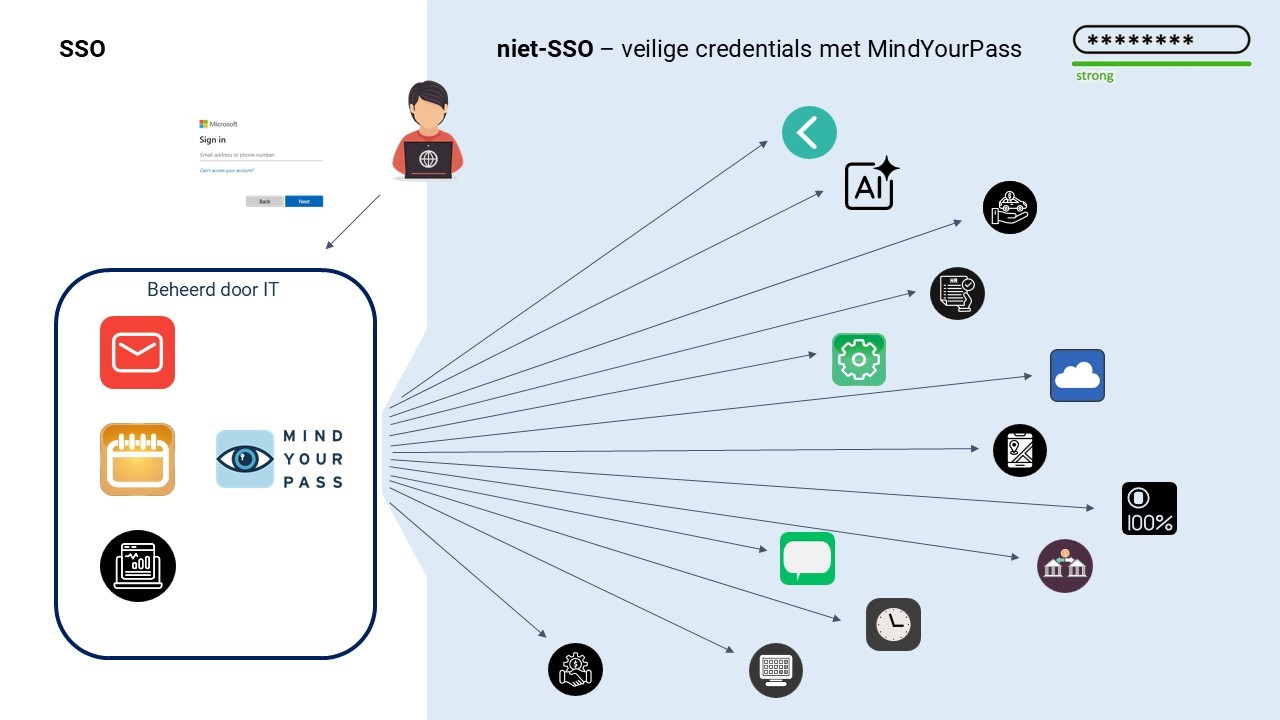
Administrators can centrally enforce policy and set access conditions, such as password complexity and preventing reused or leaked passwords, for every web application - including, in particular, systems that do not themselves support SSO or modern identity management.
For the user, this creates one consistent login experience, while different authentication mechanisms are used underneath. For the organization, it means that non-SSO applications also fall under the same control and manageability as applications that are connected through federation. The focus thus shifts from partial centralization to full coverage of the application landscape.
SSO or Total Sign-On: a comparison
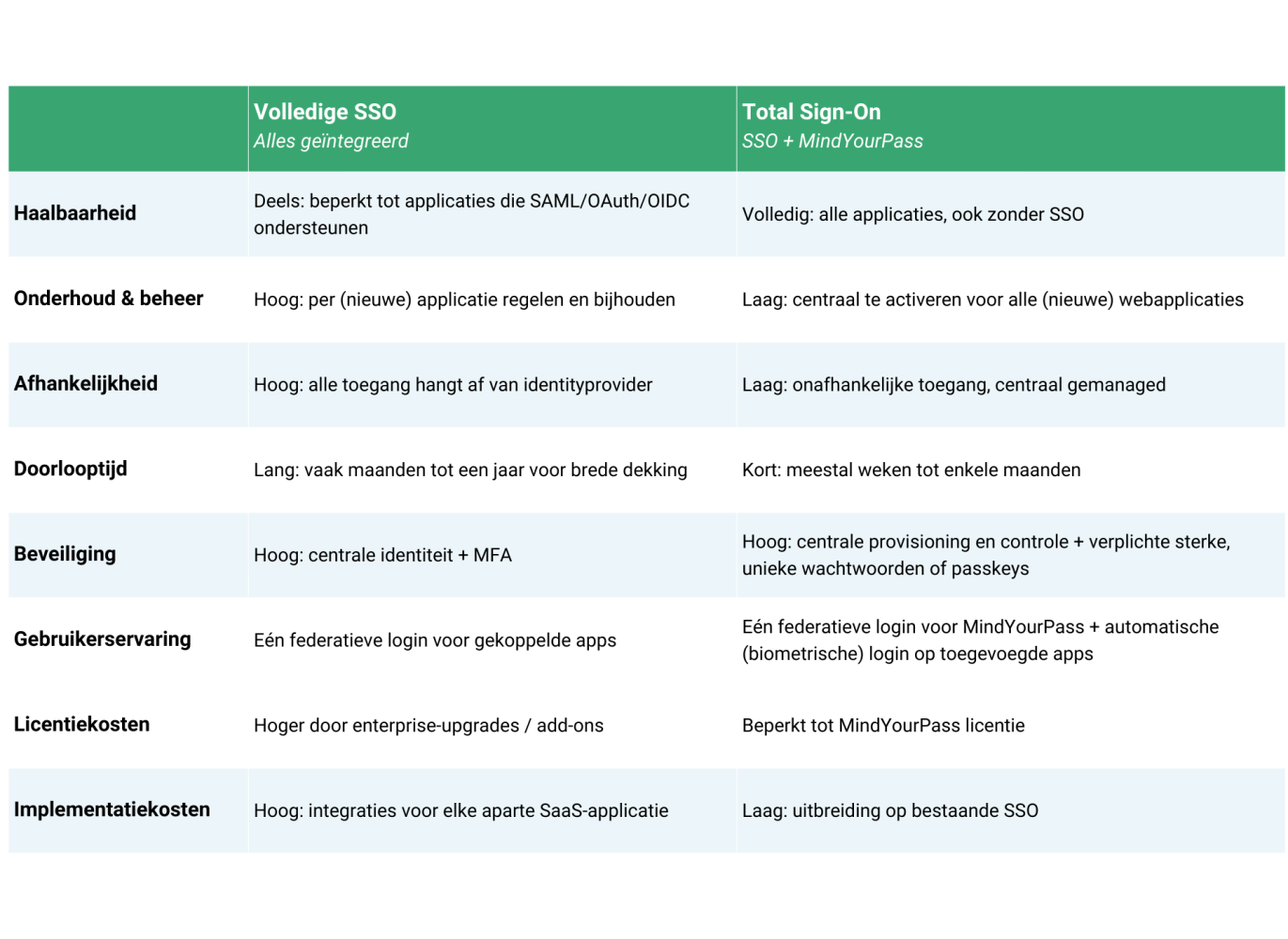
Cost is one aspect of the trade-off, but certainly not the only one. When you set the two approaches side by side, factors such as implementation time, dependence on SaaS vendors, coverage of the application landscape, and the degree to which policy can be enforced centrally also play a role.
The table below sets out the main differences between a full SSO strategy and a model in which SSO is supplemented with MindYourPass.
Closing note
There are several routes you can take as an organization, depending on your priorities and IT landscape. In practice there is no one-size-fits-all solution, but there is a clear order in how you arrive at a good choice.
It starts with visibility: which applications are actually used, and how does authentication take place for them? Only on that basis can you determine where SSO can be deployed effectively, where that is not feasible, and where additional measures are needed.
The final choice between, for example, an SSO strategy, a broader model such as Total Sign-On, or a combination of the two follows from that analysis. Factors such as cost, implementation time, and manageability play a role, but are secondary to the question of whether you can actually apply policy consistently. Effective access management is ultimately not about maximizing SSO coverage, but about minimizing uncontrolled access. That means the applications outside the SSO domain in particular must fall under the same control and policy frameworks.

Get in touch with us.
Let MindYourPass make your organization safe.
Log in securely with ease.
At home and at work.


Triple-i™ improvement method
Wachtwoordveiligheid meten om doelgericht te verbeteren
Elke verandering begint met het verkrijgen van volledig inzicht in de huidige situatie. Om vanuit daar met behulp van een concreet en praktisch plan toe te werken naar de gewenste situatie: het gebruik van kwetsbare wachtwoorden binnen jouw organisatie onmogelijk maken.