the password manager for municipalities
Control over password policies within municipal IT
More than 15 Dutch municipalities rely on MindYourPass to control password usage within their IT landscape. That is why we know what the BIO requires and what compliance requires from an organization. MindYourPass translates BIO standards into insight and control with the password manager 2.0.
X How it works
organizations that trust MindYourPass












Privacy-by-design
Personal login credentials are anonymized directly in the browser.
Security-by-design
Analysis takes place locally, without storing or sending sensitive data.
Fast rollout
Can be rolled out centrally to all workstations via your existing management environment.
A single hacked account is enough to bring down the entire organization
SMEs are an attractive target for cybercriminals, precisely because their security is often less mature than at large corporations. Employees reuse passwords, use tools IT doesn't know about and fall outside SSO coverage. MindYourPass shows where the weak spots are and helps you address them structurally.
Buying a password manager doesn't solve the problem if nobody uses it
Many SMEs have already bought a password manager but see no change in behavior. Employees still store passwords in the browser, reuse them across multiple accounts or bypass the policy altogether. Without insight into this behavior, it remains unclear where things go wrong and whether the measures taken have any effect at all.
95%
of employees do not use the enterprise password manager → passwords remain weak and reused
25%
of passwords have been leaked before → acute risk of a hack or data breach
70%
of passwords are reused → one leak provides access to multiple - often critical - systems
Figures based on our 2024 municipal benchmark
Read more
1
Start and measure safely
Simply install the measurement software on business devices and inform employees. The browser add-on runs locally, only sends anonymized data and keeps passwords secret.
2
Gather representative data
Let the measurement run for at least one month for a representative picture of the risk per application: password reuse, leaked passwords, and the use of a password manager.
3
Get advice and keep improving
Get a clear report with concrete recommendations. Then let the measurement go ahead to keep monitoring whether behavior really changes — even after implementing improvement measures.
This baseline measurement is an excellent first step. You know where things are going wrong — and where you can improve.
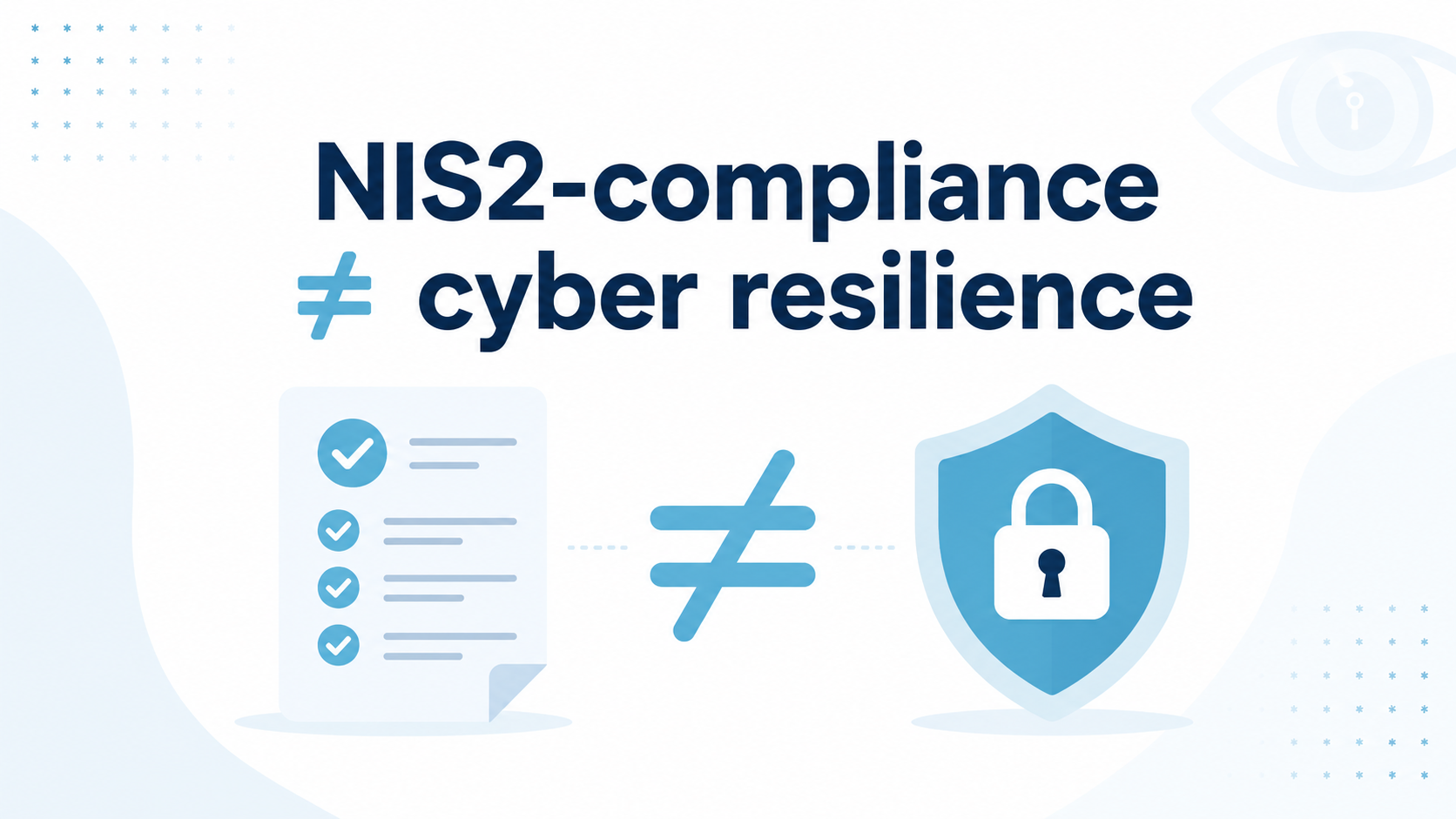
Use continuous monitoring as evidence for auditors, management, customers and suppliers. MindYourPass generates reports aligned with NIS2 and ISO 27001.
Start with a baseline measurement today
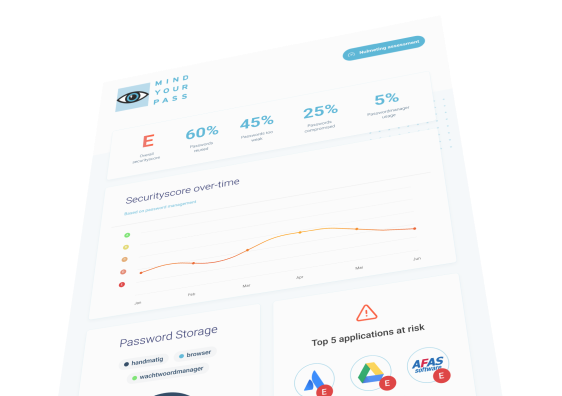
From insight to action, at a glance
The MindYourPass Dashboard brings all insights together in one overview, allowing you to prioritize risks and make targeted improvements.
Start with 14 days of free insights
web applications
Where are the biggest risks?
Discover the biggest risks per web application. See how users log in, how secure passwords are, and whether security measures like SSO are actually being used.


login methods
See how users actually log in
See how employees actually log in and to what extent security measures are being used.
Security score
Insight at a glance
A single clear score immediately shows where your organization stands and where the biggest risks lie.


Password Manager 2.0
Many organizations buy a password manager but see no change in behavior. Too many weak passwords. Too little insight.
With our three-step approach — Identify, Improve, Insist — you tackle the problem at the core. Structural and effective.
With our three-step approach — Identify, Improve, Insist — you tackle the problem at the core. Structural and effective.
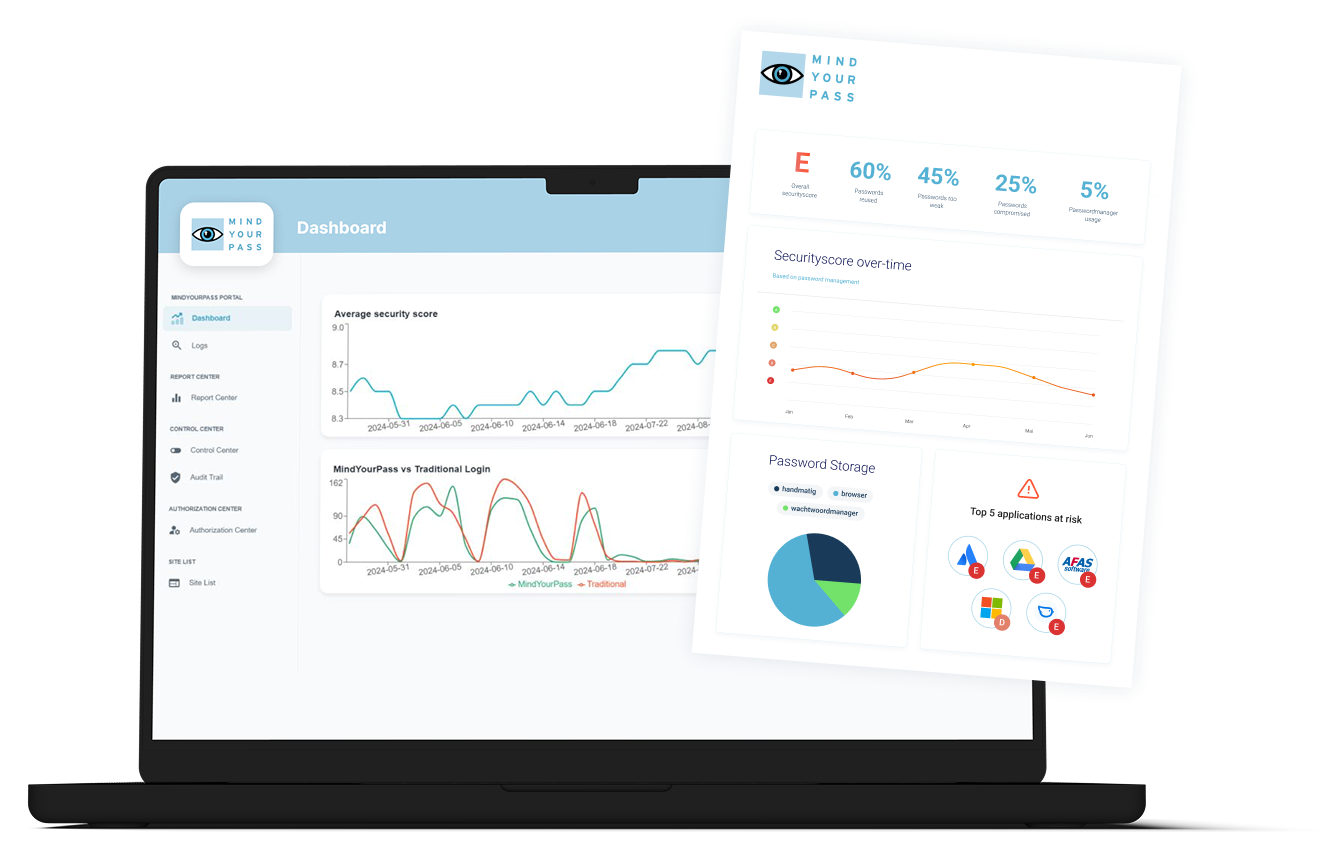
See how secure your logins really are
Map the entire application landscape and monitor actual password usage. Learn where employees log in, which passwords they reuse, and where shadow IT pops up.
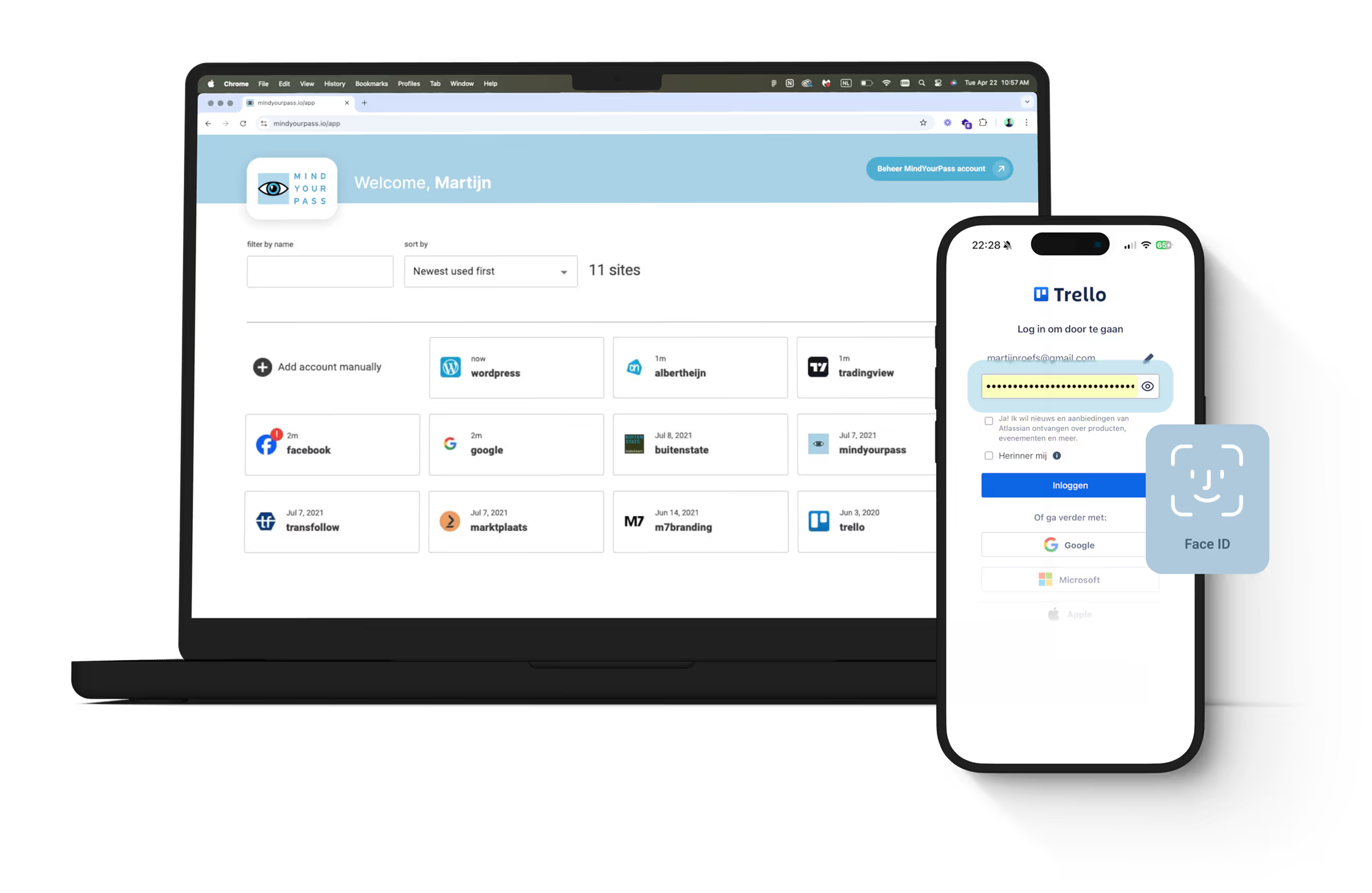
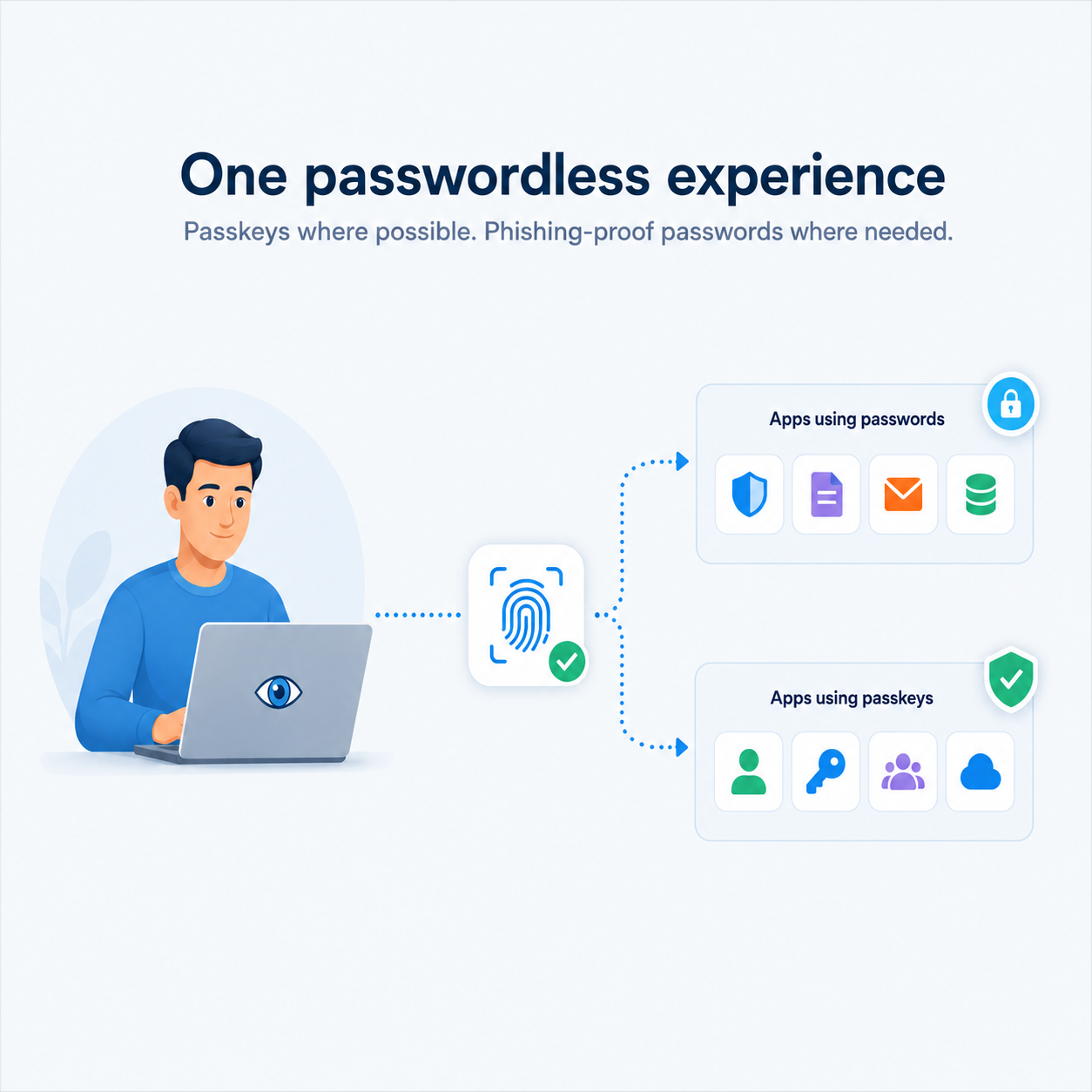
A password manager people really use
Deploy a password manager that employees really understand and use. Opt for a thorough approach that focuses on awareness, training and behavior.
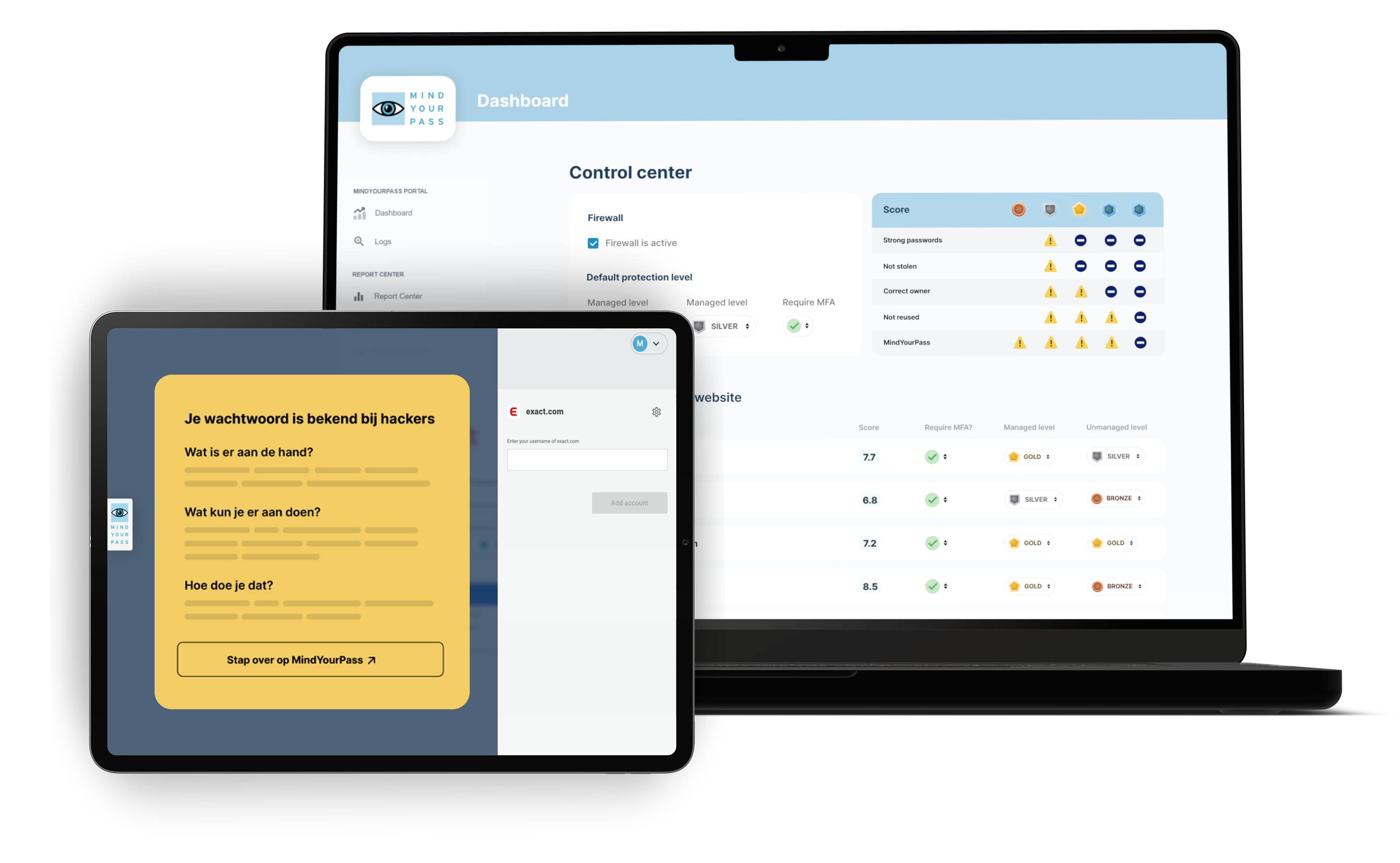
From paper policy to enforcement in practice
Prevent unsafe behavior by technically enforcing policies. Block weak or unsaved passwords at the application level — and prove compliance in practice.

A Dutch solution for public organizations
MindYourPass is a Dutch solution developed for organizations with European legislation and public responsibility. Data remains in the Netherlands and complies with European standards.

ISO27001 Certified

DATA PRO (GDPR) Certified

MindYourPass Monitoring
The first step towards safer logins
Gain 14 days of free insight into the actual situation within your organization. Discover where risks arise, how employees log in, and where the greatest opportunities for improvement lie.
The first insights within 24 hours
Completely anonymous and GDPR-compliant
Easy to deploy
No impact on end users
Concrete insights
After 14 days, you decide the next step based on objective insights: stop without obligation, continue with Continuous Monitoring, or opt for an in-depth Security Assessment.
Start 14 days of free monitoring

Real-time insight into risks, trends and security adoption through the dashboard and clear reports.